Got the BO7 game? But not sure how you can install and setup Black Ops 7 properly. Nothing to worry at all. This guide is for you. Moreover, no matter which platform you are on, this guide will help you install and setup the game fast. By following the below listed methods, you will not miss any update or missing content.
Step 1. Prepare Your System
Before you install and setup Black Ops 7, check two things, storage and updates. Black Ops 7 size is huge so you are going to need a lot of space, make it at least 120 GB.
Also, update your system software first:
- Xbox: Go to Settings and then go to the System. Head to Updates and make sure you’re current.
- PS5: Hit Settings and then System Software Update and Settings.
- PC: Update your OS and GPU drivers before anything else.
Step 2. Install on Consoles
If you bought digitally, installation depends on your platform.
Xbox (Series X|S and One)
- Go to My Games & Apps to Full Library to All Owned Games.
- Search the game and select the BO7 game.
- After selecting the game, you are given two options. 1. Install All, 2. Choose What to Install (to pick specific content)
- Once done, you need to wait for the base game to download.
- After that, you can start installing the Day One update when prompted.
PlayStation 5/4
- Locate Black Ops 7 from your game library.
- Select Download.
- Click Install Options to pick the content you want (Campaign, Zombies, etc.).
- Once installed, the system will auto-update when the patch goes live.
If you’re using a disc, insert it and let the console do the rest, but you’ll still need that mandatory Day One update before you can play.
Step 3. Install on PC
PC players have two main routes to install and setup Black Ops 7, Battle.net or Steam.
Battle.net
- Open the Battle.net launcher and log in.
- Select Call of Duty under the Games tab.
- Hit Install and choose your preferred content modules.
- Once it starts downloading, keep the launcher open, closing it can pause your progress.
Steam
The process of Steam and the Xbox PC app is nearly identical. All you need to do is to sign into the same Microsoft account tied to your purchase.
- Location the game BO7 in your game library.
- Click Install.
- Optional: under the gear icon to Properties to DLC Tab, deselect unused content to save space.
- Once installed, verify the integrity of game files to ensure a clean setup.
Step 4. Optimize Your Download
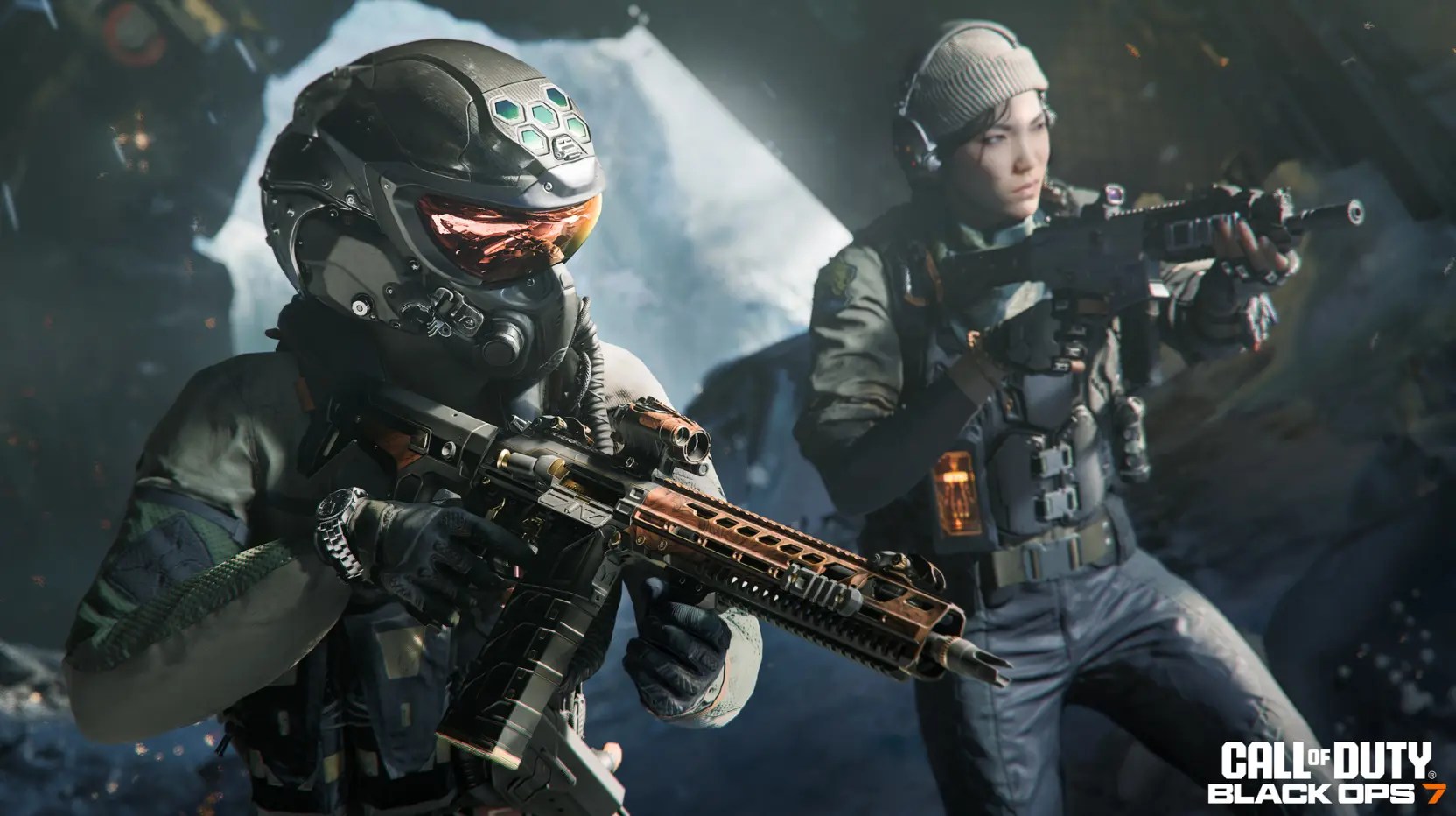
This part’s optional but worth it. There, you can also find an option to speed things up and avoid issues while you install and setup Black Ops 7.
You can do the following steps:
- Use a wired Ethernet connection instead of Wi-Fi.
- Pause other downloads or streaming apps.
- Close background updates (especially Windows Update).
- On Battle.net, go to Settings to Downloads and raise the download limit.
Step 5. Selective Installation
The new Call of Duty launcher allows modular installs. That means you can pick what you actually want, Campaign, Zombies, or Multiplayer.
| Mode | Recommended Size | Notes |
| Campaign | 40–50GB | For story mode fans |
| Multiplayer | 45GB | Includes Ranked and Core modes |
| Zombies | 25GB | Perfect for co-op fans |
Step 6. First Launch Setup
Once, the installation is done, wait for a few minutes. Now, link your Activision account when prompted. Linking your account makes sure that your progress shares across platforms.
Then check your settings:
- Set Display Mode to Fullscreen for best performance.
- Adjust Field of View (FOV) to your comfort.
- Sync your controller or mouse sensitivity.
Step 7. Common Installation Fixes
If it says “You need to purchase the game,” log out and back into the account used for the original purchase.
If your download freezes or fails mid-install:
- Restart your platform and relaunch the store app.
- On PC, clear Battle.net or Steam’s download cache.
- Make sure your storage drive isn’t full or fragmented.
Wrapping Up For You
When you already know how to install and setup Black Ops 7 correctly, it saves you hours of frustration on launch night. Once everything’s checked for installation, you’ll be ready to load into campaign and multiplayer or Zombies without any hesitation.
And if you’re ready to look elite while doing it, you can get the BO7 Singularity Camo boost at MitchCactus. Our team unlocks this ultra-rare mastery camo across all 30 weapons safely and fast, no cheats, no shortcuts, just pure in-game completion. This is perfect if you want your loadout to look as deadly as it feels.