







Introduction
If you’ve been trying to figure out exactly how the BO7 Yeti Domino’s requirements worked, yep — you’re not alone. Tons of players missed out simply because they didn’t know the precise rules, timing, or purchase path.
No worries, though. This guide breaks down every single requirement in clear, easy-to-follow steps so you know what counted, what didn’t, and how the entire Domino’s × BO7 promo actually functioned.
Let’s get into it.
What the Domino’s Promo Actually Was
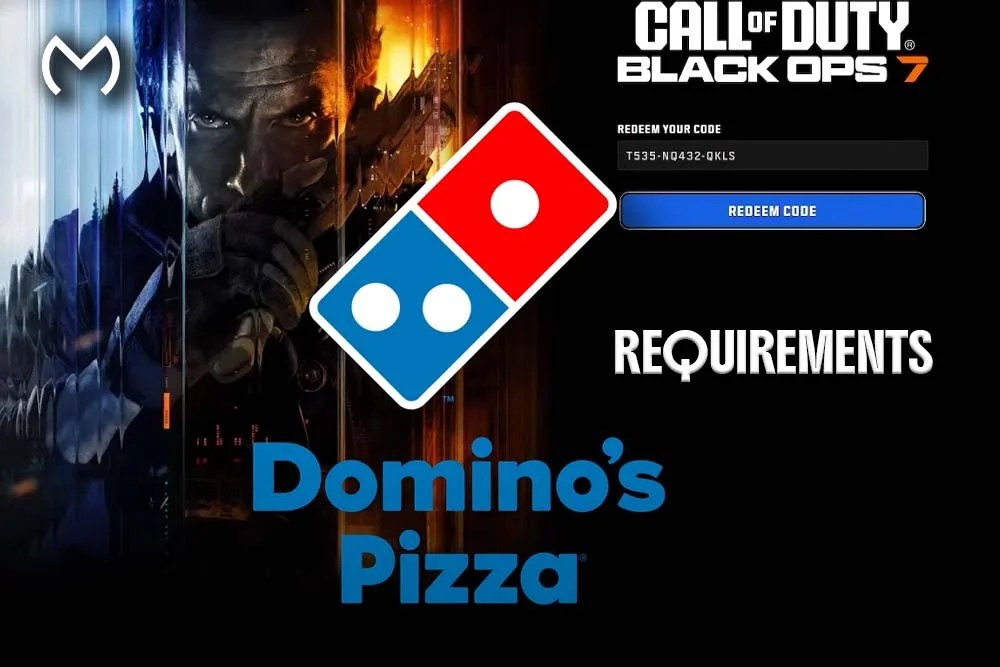
The Domino’s × Call of Duty: Black Ops 7 promo was a limited-time crossover where specific Domino’s food orders unlocked exclusive in-game rewards. Basically, your pizza night came with BO7 loot.
But here’s the part a lot of players missed: only certain meals, purchased during certain weeks, unlocked certain rewards.
This wasn’t a “buy anything, get everything” situation. It was structured, timed, and kinda strict.
All BO7 Yeti Domino’s Requirements (Explained Clearly)
To qualify for the Yeti rewards specifically, you had to meet every requirement below:
✔ 1. Order the Correct Domino’s Bundle
Only the “1 + 2 Gaming Meal Bundle” counted.
That means:
- 1 large value pizza
- 2 sides
Ordering anything else — even if it was more expensive — didn’t generate a BO7 Yeti code.
✔ 2. Order Through Official Domino’s Channels
You had to use:
- The official Domino’s website, or
- The official Domino’s mobile app
Third-party delivery platforms didn’t count.
✔ 3. Subscribe to Promo/Marketing Emails
Domino’s didn’t show your code on-screen after buying.
They sent it via email — but only if you opted into promotions.
If you skipped the opt-in toggle, no code was ever delivered.
✔ 4. Place the Order During the Correct Week
This is the biggest requirement.
The Yeti rewards were only available during Week 2 of the promo event.
If you bought the right meal in Week 1, Week 3, or Week 4 — you simply didn’t qualify.
✔ 5. Use Valid Account Information
Wrong email → no code.
Email typo → no code.
Spam folder filters → delayed code.
Everything had to match.
✔ 6. Be Within an Eligible Region
Some regions didn’t participate in the Domino’s BO7 campaign.
If your local Domino’s wasn’t included, your order wouldn’t produce a code.
Promo Week Structure — The Yeti Bundle Was Only One Slice of It
Domino’s split the crossover into themed weekly reward drops. Yep, each week had its own bonus.
Here’s the simple breakdown:
Week 1 (XP Boost Week)
You got 2XP or Weapon XP boosts — no cosmetic bundle.
Week 2 (Yeti Bundle Week)
This is where the magic happened.
Ordering during this window unlocked:
- Alpine Angel calling card
- Tundra Jr. weapon charm
- Yeti-themed emblem
- Extra XP token (varied by region)
This was the only week for the Yeti content.
Week 3 (Level XP Week)
Different XP reward — no cosmetic items.
Week 4 (Weapon XP Week)
One final XP push.
If you ordered the correct meal but in the wrong week?
Sorry — no Yeti rewards. The system was strict.
What the Yeti Bundle Actually Included
The Domino’s bundle wasn’t just a basic calling card drop. You unlocked multiple themed cosmetics as a little mini-collection.
Alpine Angel Calling Card
Clean icy aesthetic.
Great for winter loadouts.
Instant equip after redemption.
Tundra Jr. Weapon Charm
A small Yeti charm that hangs from your gun.
Players love this one because it stands out in killcams.
Yeti Emblem
Pairs perfectly with the Alpine Angel card for a matching winter vibe.
Bonus XP (Region-Dependent)
Some regions added a 30-minute XP boost to the package.
Not every country got this, but many did.
If you’re looking for a verified way to still grab the full cosmetic set without guessing, players often pick up a legit code through the BO7 Yeti Domino’s bundle — which is where the whole Yeti drop is collected in one place.
How Code Redemption Worked (Step-by-Step)
Once the code landed in your inbox, here’s what you had to do:
- Go to the official Call of Duty redemption page.
- Log into your Activision account.
- Enter the Domino’s-generated code.
- Accept and confirm.
- Relaunch BO7 if the rewards didn’t appear immediately.
- Equip the items under Identity → Calling Cards, Emblems, and Charms.
The cosmetics unlock instantly — XP tokens activate in-game when selected.
Why So Many Players Didn’t Get Their Code
Yep — tons of players followed the promo but still didn’t receive anything.
Here are the most common reasons:
- Ordered the right meal but in the wrong week
- Didn’t subscribe to marketing emails
- Entered the wrong email at checkout
- Ordered through a third-party delivery app
- Were in a non-supported region
- The Domino’s location wasn’t part of the promo
- Entered a typo in the order form (surprisingly common)
If even ONE requirement wasn’t met, the code wasn’t generated.
Tips for Anyone Trying to Track Down Promo Bundles Now
Even though the Domino’s promo window is closed, many players still look for the Yeti cosmetic pack.
Here are some pro tips:
- Stick to well-known, trusted marketplaces
- Avoid “random code generator” sites — they’re always fake
- Check whether a code is global or region-locked
- Make sure the seller provides proof of activation
- Redeem quickly after buying — expired codes can’t be revived
If I had to give a quick gamer-to-gamer recommendation, I’d say:
Always double-check redemption instructions before buying anything.
Troubleshooting (If You Redeemed but Don’t See Your Items)
If you entered a valid code but the cosmetics didn’t show up, try these fixes:
- Restart your console or PC
- Log out and back into your Activision account
- Make sure you redeemed on the correct account
- Check the “Identity” tab — calling cards can be easy to overlook
- Look for the charm under weapon customization, not operator menus
Still missing items?
It usually means the code was invalid or expired — that’s why verified sellers matter.
Conclusion
The BO7 Yeti Domino’s requirements were simple on paper but strict in practice. To unlock the Yeti bundle, you had to order the exact meal, during the exact week, through official Domino’s channels, with promo emails enabled, using correct account info.
If even one step was off, the Yeti cosmetics didn’t unlock — which is why so many players missed out.
All good, though. Now you fully understand how the promotion worked, what it included, and what to look out for if you’re grabbing the bundle today.


