








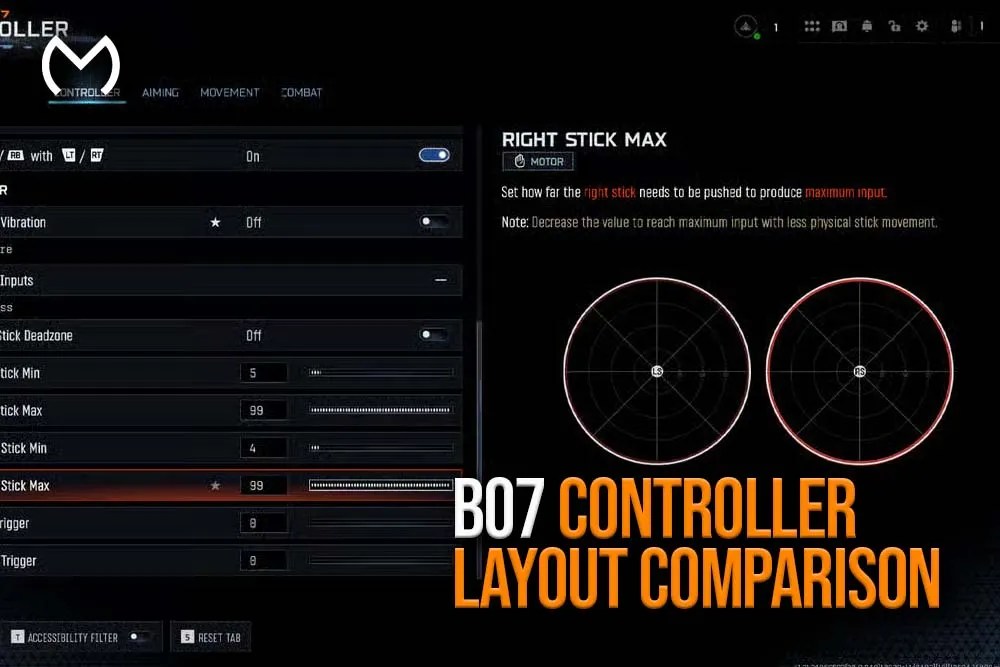
If you’re looking for a clean and detailed BO7 controller layout comparison, yep — this is the full guide you need. Choosing the right controller layout in Black Ops 7 matters way more than players think. Your layout affects your aim, movement, reaction speed, and how comfortably you can perform advanced mechanics like slide timing, jump-shotting, drop-shotting, and tactical sprint transitions.
Some layouts offer better movement, some give easier access to tactical equipment, and others keep your aim stick free for consistent crosshair control. No worries — I’ll break everything down step-by-step so you can pick the controller layout that suits your style perfectly.
Why Controller Layout Matters in BO7
BO7’s gameplay style is slower and more tactical compared to past Call of Duty titles. Because of that, controller layout affects:
- How fast you can aim while moving
- How easily you can jump, slide, crouch, or cancel animations
- Your recoil stability
- How quick you react when pushing or defending
- Button comfort during long sessions
Most importantly, the right layout frees your right thumb to always stay on the aim stick, reducing the chance of losing tracking in close-range fights.
If you want to explore full BO7 systems, settings, or gameplay tools, most players start with the Black Ops 7 hub because it lists every BO7 product and service in one place.
All Controller Layouts in BO7 Compared
Black Ops 7 includes multiple controller layouts for different playstyles. Here’s a full, easy-to-understand breakdown.
Default Layout
The classic layout — perfect for beginners but not the best for competitive players.
Strengths
- Very easy to learn
- Standard button mapping
- Good for casual playstyles
Weaknesses
- You must move your thumb off the aim stick to jump or slide
- Slower reaction time
- Hard to combine movement and aiming
Best For
- New BO7 players
- Very casual play
Tactical Layout
Tactical swaps the crouch/slide button with melee, allowing the right thumb to stay on aiming during advanced movement.
Strengths
- Slide and crouch on Right Stick
- Lets you crouch instantly without losing aim tracking
- Great for drop-shotting or slide timing
- Good for aggressive players
Weaknesses
- Melee becomes face button
- Requires practice
Best For
- Rush players
- Slide shooters
- Anyone who wants more movement control
Tactical is one of the most-used settings among high-skill controller players.
Bumper Jumper Layout
Bumper Jumper moves jump to the left bumper, allowing you to jump without removing your thumb from the right stick.
Strengths
- Jump-shotting becomes easier
- Keeps aim stick active while jumping
- Excellent for vertical fights
Weaknesses
- Takes time to learn
- Grenade/bumpers feel different at first
Best For
- High-movement players
- Maps with elevated structures
- SMG rushers
Stick and Move Layout
Stick and Move assigns jump to the Right Stick (RS) and keeps crouch/slide on Circle/B. This lets you jump without lifting your thumb from the aim stick.
Strengths
- Amazing for jump-shooting
- Perfect for fast reaction players
- Great for aggressive close-range duels
Weaknesses
- Slide remains on circle/B
- Requires stronger thumb pressure for jump
Best For
- Hyper-aggressive players
- SMG mains
- Those who love aerial gunfights
Bumper Jumper Tactical Layout
This combines Bumper Jumper (jump on bumper) with Tactical (crouch/slide on right stick).
It gives players both advanced jump movement and fast crouch-slide mechanics.
Strengths
- Jump AND slide with aim stick active
- Full movement freedom
- Ideal for high-level players
Weaknesses
- Most difficult layout to learn
- Requires strong muscle memory
Best For
- Experienced players
- Ranked players
- Aggressive movement-heavy playstyles
Stick Layout Options (Standard vs Southpaw)
BO7 also offers stick layout changes. Most players stay on Standard, but here’s a comparison:
Standard Stick Layout
- Left stick = movement
- Right stick = aiming
- Most natural for COD players
Southpaw Stick Layout
- Swaps functions: left stick = aim, right stick = move
- Used by players trained in older non-traditional shooters
Best For
- Standard: everyone
- Southpaw: extremely rare cases or specialized accessibility needs
BO7 Controller Layout Comparison Table
Here’s a quick summary of every layout and what each one is best for:
| Layout | Strengths | Weaknesses | Best For |
| Default | Simple | Slow movement control | Casual players |
| Tactical | Better slides & crouch plays | Melee moved to button | Rushers, AR/SMG players |
| Bumper Jumper | Jump without losing aim | Harder grenade timing | Jump-shooters |
| Stick and Move | Best for jump-shots | Slide on circle | Hyper aggressive players |
| Bumper Jumper Tactical | Full movement freedom | Hard to master | Ranked & high-skill players |
| Southpaw | Alternative stick setup | Not common | Niche players |
How to Choose the Best Layout for Your Playstyle
The most important part of picking a layout is matching it to your movement and fighting style.
If You’re Aggressive and Rush Often
Choose:
- Tactical
- Stick and Move
- Bumper Jumper Tactical
These layouts keep your aim active while sliding, jumping, and pushing tight corners.
If You’re a Balanced AR Player
Choose:
- Tactical
- Default (only if you prefer simplicity)
Consistency matters more than flashy movement.
If You Like High Vertical Movement / Jump-Shotting
Choose:
- Bumper Jumper
- Bumper Jumper Tactical
Your aim stays steady while you fight in mid-air.
If You Want Pure Movement Mastery
Choose:
- Bumper Jumper Tactical (the absolute best for full movement control)
You get slide, jump, and movement freedom without giving up aim stick control.
Extra Controller Tips to Improve BO7 Gameplay
1. Use Lower Deadzones
This makes your stick inputs more responsive.
2. Adjust Sensitivity Properly
Most high-level players use balanced sensitivity levels.
(If you want a full aim breakdown, pick the best values based on your playstyle.)
3. Turn Off Vibration
It helps with recoil control.
4. Test Each Layout for 2–3 Matches
One match is too little to learn the feel.
5. Use Button Layout with Good ergonomics
Comfort = better consistency.
Why Controller Layout Matters Even More in BO7
Black Ops 7 emphasizes realistic pace, less slide-exploit movement, and more tactical positioning.
Because of this:
Movement + Aim Timing = Huge Advantage
A layout that lets you aim while doing movement actions is extremely valuable.
Quick-slide to ADS fights happen often
Your layout must support fast transitions.
Canceling actions require good finger placement
Reload cancel, crouch cancel, and jump timing all depend on layout comfort.
Choosing the right layout literally changes your entire performance.
For deeper BO7 systems, settings, items, and in-game tools, the BO7 main hub includes everything in one place.
For all marketplace items, upgrades, and general bundles, players often browse the MitchCactus homepage.
BO7 Controller Layout Comparison — Final Thoughts
So yep — choosing the right BO7 controller layout is one of the biggest upgrades you can make to your gameplay. The layout you choose affects how fast you react, how well you aim, how easily you slide or jump, and how consistent you feel in every match.
- Use Tactical if you want a balanced upgrade.
- Use Bumper Jumper if you love jump-shotting.
- Use Bumper Jumper Tactical if you want the strongest full-movement control in BO7.
- Stick and Move works great for players who love aggression and close-range fights.
All good — now you have the complete breakdown of every controller layout in BO7


