









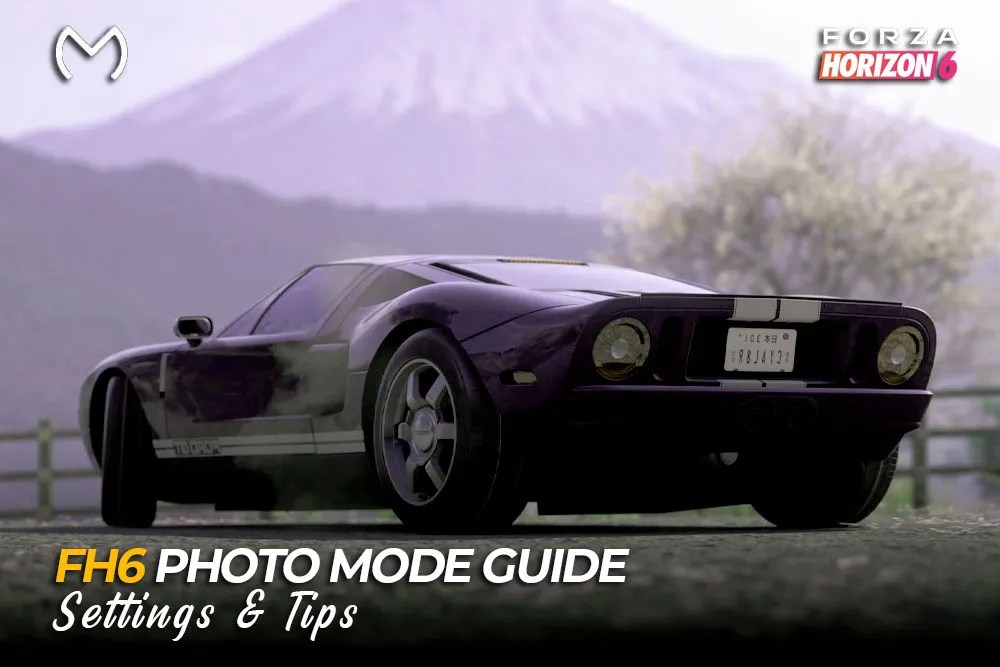
Photo Mode is easy to open, but good pictures need the right camera angle and a few small setting changes. This Forza Horizon 6 Photo Mode guide covers the controls, realistic photo settings, action shots, saving, and progression uses.
To open Photo Mode:
- Enter free roam or start a race.
- Press Up on the D-pad on the controller.
- Press P on the default keyboard layout.
- Move the camera into position.
- Open Effects Mode for camera settings.
FH6 Photo Mode Controls
| Action | Use |
| Move and rotate | Change the camera angle |
| Raise or lower | Create low or overhead shots |
| Zoom | Widen or tighten the frame |
| Effects Mode | Adjust focus, shutter, and colour |
| Quickshot | Take a fast progression photo |
| Hide UI | Remove menus from the image |
Set the camera position first. Effects can improve a good frame, but they cannot fix a messy background or awkward angle.
Best Photo Mode Settings
There is no perfect preset for every scene. Forza’s official Photo Mode tips recommend adjusting zoom, shutter speed, aperture, and exposure to match the shot.
- Focus: Place it on the headlight, front wheel, badge, or windscreen.
- Shutter speed: Keep it low for parked cars and raise it gradually for motion.
- Aperture: Blur the background without making half the car soft.
- Exposure: Lower it when bright paint, snow, or neon signs look washed out.
- Contrast and colour: Use small changes for a more natural result.
- Sampling: Choose the highest practical option for the final image.
On PC, native resolution normally keeps badges, wheels, and body lines sharper than heavy resolution scaling.
Parked Car Photos
Parked cars are the easiest way to learn the camera.
- Find a clean wall, open road, mountain view, or city street.
- Turn the front wheels slightly toward the camera.
- Lower the camera near wheel or headlight height.
- Focus on the closest part of the car.
- Keep shutter speed near zero.
- Add only light background blur.
Front and rear three-quarter angles usually look better than a completely flat side view.
Rolling and Drift Shots
Action photos should show movement while keeping the car readable.
- Raise shutter speed slowly.
- Keep focus locked on the vehicle.
- Leave space in the direction the car is moving.
- Use a low front or rear angle.
- Avoid excessive depth of field.
If the whole car becomes blurry, lower the shutter effect or move the focus point closer to its centre.
For drift photos, capture the moment when the wheels counter-steer and smoke begins to build.
Night and Garage Photography
Tokyo City works well for neon and wet-road reflections, but bright signs can overpower the car.
Lower exposure first, then increase brightness only when the car is too dark. Wet roads already add plenty of colour, so heavy saturation usually looks unnatural.
Drone Mode can help you scout tunnels, mountain bends, quiet roads, and skyline angles before moving the car.
Customizable Garages work well for:
- Paint and livery details
- Wheel close-ups
- Badge shots
- Group photos
- Clean studio-style images
Photo Challenges and Horizon Promo
Some weekly shoots appear in the FH6 Festival Playlist, where the required car, landmark, season, and reward can change at reset.
The current FH6 weekly rewards can help you decide whether a Photo Challenge is worth completing.
For faster Horizon Promo progress:
- Enter a race with several car models.
- Open Photo Mode on the starting grid.
- Place as many cars as possible in the frame.
- Use Quickshot before the race begins.
Car Meets and Festival areas can also register several unphotographed vehicles at once.
Build a more exciting garage for your next shoot:

Save and Share Your Photos
Taking the picture and exporting it are separate steps.
- Take the final shot.
- Save it in-game.
- Share it to upload it online.
- Sign in to My Forza with the same Xbox account.
- Open the gallery and download the image.
Your FH6 Photo Mode pictures can also be captured locally on PC through Steam or Xbox Game Bar.
Common Photo Mode Problems
- Everything is blurry: Lower shutter speed and refocus.
- Only part of the car is sharp: Reduce the depth-of-field effect.
- The image is washed out: Lower exposure before adding contrast.
- Night shots are too dark: Move the car closer to a light source.
- The picture looks soft: Check resolution scaling.
- Shared photo is missing: Confirm it was saved and shared with the correct account.
Players creating shoots around unusual models may also use Forza Horizon 6 rare cars to add more variety to their garage. This cannot restore missing photos or damaged save data.
Final Takeaway
Use a clean background, focus on the car, and make small exposure changes. Low camera angles suit parked cars, while controlled shutter blur works better for rolling and drift shots.
FAQs
How do you open Photo Mode in FH6?
Press Up on the D-pad or P on the keyboard.
What shutter speed works best?
Keep it low for static shots and raise it gradually for action.
How do you blur the background?
Focus on the car and slowly increase the depth-of-field effect.
Can Photo Mode help with progression?
Yes. It supports Photo Challenges, Discover Japan, and Horizon Promo.
How do you download FH6 photos?
Save and share the shot, then open My Forza. PC users can also use Steam or Xbox Game Bar.



