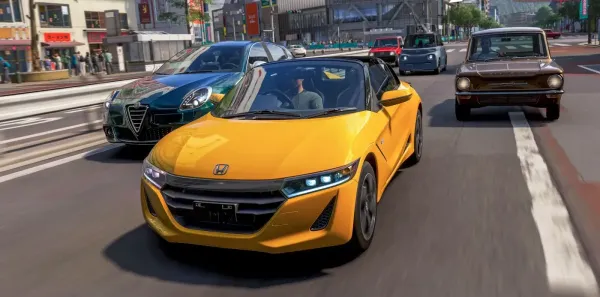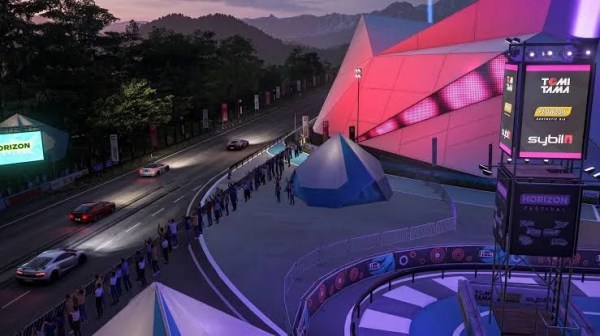































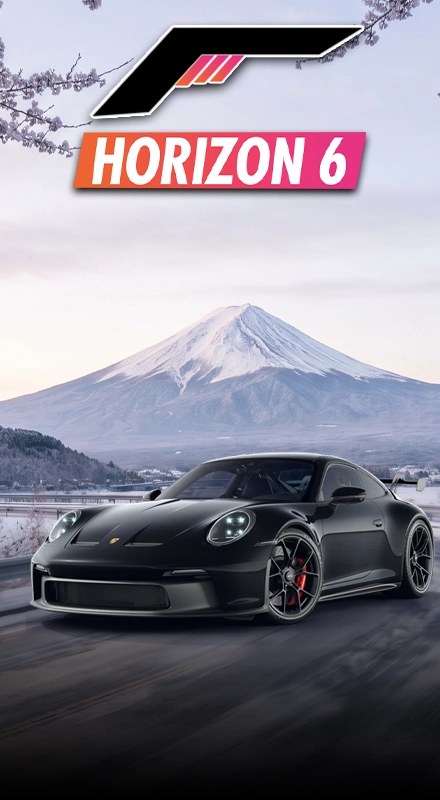


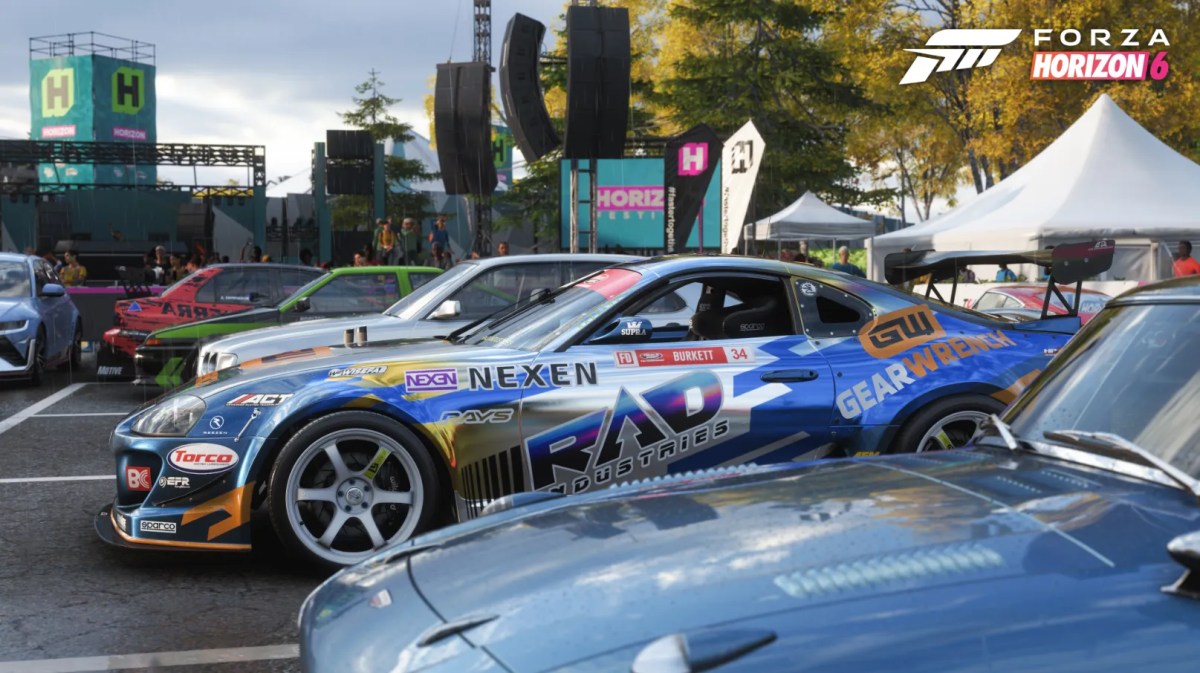
Taking those jaw-dropping screenshots in Forza Horizon 6 is one of the absolute highlights of the whole game. Whether it’s capturing a rare supercar at sunset, a sweet drift through mountain roads, or just the right moment for a perfectly-timed jump, that Photo Mode thing lets you create some really amazing images.
Where are the Photo Mode Photos?
Unlike normal screenshots, the photos you take with Photo Mode in Forza Horizon 6 don’t just automatically save them straight to your PC or console as a picture file. Instead, they either save them to the game itself or upload them to the cloud. This means you can then access and download them at a later time.
Where are Photo Mode Photos Actually Stored?
Every time you hit that in-game “Take Picture” button, Forza Horizon 6 is actually saving your snap to your player gallery. That is why your photos sync with your account, and you can see them from different devices.
If you do want to get your high-resolution shots saved onto your own device, though, you’ll first need to save and share them through the game itself. On the lookout for the dream car? Check our Credits service in FH6 over at MitchCactus.
Getting Photos from the Forza Cloud Gallery
Your best bet for getting at those photos you’ve taken outside of Forza Horizon 6 is through the Forza cloud gallery.
Just log in with the same Xbox or Microsoft account you used to play Forza Horizon 6, and once you’re in, you’ll be able to browse all your uploaded photos and download them to your computer or mobile straight away.
This is probably where you’ll end up looking for your Photo Mode snaps that got saved in Forza Horizon 6, and where you can get your hands on those full-quality image files. Want more free rewards while exploring the map? Then get your hands on Super Wheelspins now!
Viewing Photos from Inside the Game
If you just want a quick peek at your screenshots without getting all techy with a download, you can actually access them straight from inside the game itself by dipping into the menu. To find your saved photos:
- Open the Pause Menu.
- Navigate to the Creator or Social tab.
- Open your Creator Profile or Photo Gallery.
- Browse through your saved images.
The in-game gallery stores all the pictures you’ve taken and shared through Photo Mode, making it easy to revisit your favourite shots whenever you want. Need another unique photo location? Find the HZN VI Rocket in Forza Horizon 6 and capture some incredible shots.
What About Local Screenshots?
There is one important difference between Photo Mode pictures and regular screenshots. If you use your platform’s built-in screenshot function instead of the in-game camera, the image is saved locally on your hardware.
For PC players using Steam:
- Open Steam.
- Go to your Library.
- Select Forza Horizon 6.
- Open Screenshot Manager.
- Click “Show on Disk” to locate the files.
For Xbox players:
- Press the Xbox button.
- Open Captures.
- Select Recent Captures.
- View or download them through the Xbox App.
These screenshots are stored separately from your Photo Mode gallery and can be accessed without using the Forza cloud system. Searching for an amazing backdrop for your next screenshot? Learn where the Space Port is located in Forza Horizon 6 through our guide.
Once you know where to look, finding and sharing your favourite Horizon Festival moments becomes quick and easy. Whether you’re creating wallpapers, sharing photos with friends, or building an impressive collection of car photography, your screenshots are only a few clicks away…
Check out some of our most popular Boosting services: