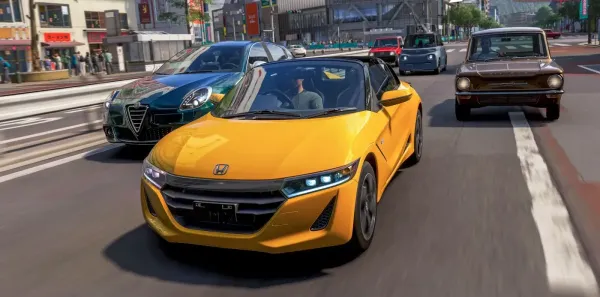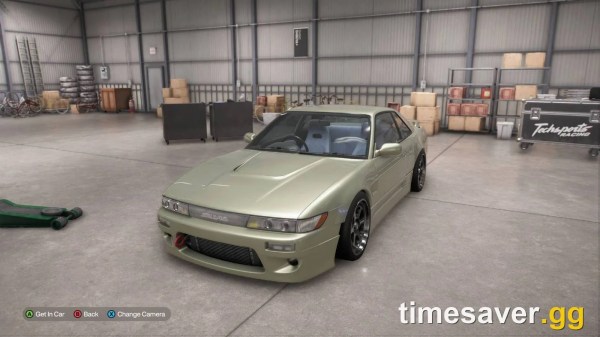

























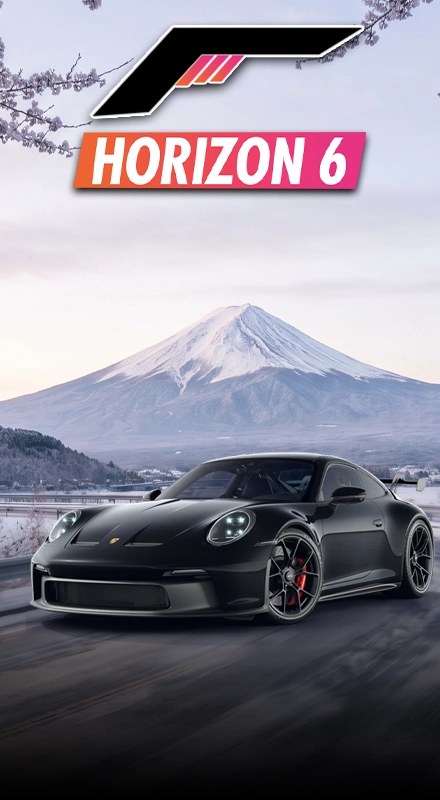


A Car Meet car can look ready to buy, but the build you see and the car you actually receive are not the same thing.
Before spending Credits, check three things first: what part of the build transfers, whether the tune and livery are available separately, and whether the car is worth buying once its price and normal unlock route are considered.
That is the point of this FH6 car meet buying checklist. It helps you avoid buying a stock car because you expected another player’s complete tune, paint and upgrades to come with it.
What Do You Actually Get From a Car Meet Purchase?
FH6 Car Meets let you inspect other players’ cars, download tunes and liveries that creators have shared, and buy a stock Autoshow version of an eligible displayed car. The stock vehicle, tune and livery are separate parts of the system.
So when you see a finished build, separate it into three decisions:
- Car: Is the stock model itself worth buying?
- Tune: Is the setup you want actually shared?
- Livery: Is the displayed design available separately?
Do not treat the Car Meet purchase as a one-click copy of everything another player has installed.
If you want a broader walkthrough of how the feature itself works, the Forza Horizon 6 Car Meets guide covers locations, joining and general inspection. This checklist stays focused on the buying decision.
Check These Before You Spend Credits
A quick pre-purchase check helps separate the value of the stock car from the tune, livery and rarity that made it stand out at the meet. Confirming these details first can prevent you from spending Credits on a car that does not actually deliver the build or value you expected.
| Check | What to Verify | Why It Matters |
| Car | Exact make, model and year | You need the correct car for the tune or livery you want |
| Availability | Whether it is an Autoshow car | Car Meet purchasing is built around stock Autoshow versions |
| Tune | Whether the creator shared it | The displayed setup does not automatically come with the car |
| Livery | Whether the design is shared | Buying the car does not mean you receive the displayed paint |
| Price | Car cost plus what you may still need | The finished build may cost more than the base vehicle |
| Rarity | Seasonal, Reward, DLC or another source | A different unlock route may be required |
| Purpose | Road, drift, drag, dirt or collection | A good-looking build may not suit how you actually play |
Check the Tune Before Buying the Car
The displayed performance can make a car look much better than its stock version.
A road build, drift setup or drag tune can completely change how the same model behaves, so first ask whether you actually want the car or whether you mainly want the setup you are looking at.
FH6 only lets you download tunes that have been shared by their creator.
If the setup is important to you, confirm that it is available before spending Credits on the car. Then check whether its class and purpose match what you need.
For example, a high-PI drift car may look impressive at a meet but be a poor choice if you want a stable road-racing build.
If you need to understand the tuning side in more detail, use the FH6 tuning setups guide after you have chosen the car. That keeps the buying decision and tuning process connected without turning this article into another tuning guide.
Treat the Livery as a Separate Part of the Build
A custom livery can be the main reason a Car Meet car catches your attention, but the paint should be checked separately from the vehicle.
This matters even more after the August 10 Series 4 update. Playground Games fixed an issue where players could buy a Car Meet car and incorrectly unlock its livery.
So if the design is important:
- Confirm that the livery is actually shared.
- Make sure it is for the exact car you are buying.
- Use the creator’s shared version rather than assuming the Car Meet purchase transfers it.
- Judge the stock car separately from the visual design.
Tunes and liveries are community-created content. Buying the underlying vehicle does not turn those shared creations into part of the stock purchase.
Check the Real Cost, Not Just the Car Price
The price of the stock car is only one part of the decision.
If the displayed build depends on a specific tune, upgrades or another setup you want to recreate, you may still need more Credits after buying the vehicle.
Before confirming, compare:
- The cost of the car.
- What you still need to finish the build you want.
- Whether the same car has another unlock route.
- Whether those Credits would be more useful on a harder-to-get vehicle.
That becomes more important with rare cars because their market value can behave very differently from normal Autoshow cars.
Series 3 removed the Auction House price cap for cars that are not purchasable in the Autoshow, so some hard-to-find cars can move well beyond normal Autoshow-style pricing.
If your main problem is not choosing the build but having enough Credits or finding a specific car, you can naturally Explore FH6 Credits and Rare Cars here.
The current service page lists FH6 Credits for Xbox, PC and Steam, with delivery options through the Auction House or account login. Before ordering, check the platform and delivery method you are selecting rather than assuming every option works the same way.
If you choose an account-login method, make sure you understand what account access the selected delivery requires before proceeding. If you would rather avoid that type of access, review whether the Auction House option fits the order instead.
Rare Cars Need One Extra Check
A car appearing in front of you at a Car Meet does not automatically mean the meet lets you bypass its normal acquisition method.
The official FH6 car list includes cars available through different routes, including Autoshow, Seasonal rewards, the Collection Journal, Wheelspins and DLC. Forza also directs players to the in-game Car Collection purchase option to see how individual cars may be obtained outside the Autoshow.
That means rare cars should be checked before buying, not after.
If a vehicle is seasonal or reward-based, first find out how it normally enters your garage. You may discover that the Car Meet is useful for inspecting the car but not for replacing the unlock route.
For a deeper comparison of those acquisition methods, the FH6 rare car buying checklist is the more relevant next step.
Use This Order Before Confirming a Purchase
Following the checks in a fixed order keeps the finished display car from influencing the decision too early. Start with the vehicle you will actually receive, then work outward to the shared tune, livery, total cost and rarity so each part of the purchase is verified before you spend Credits.
- Confirm the exact make, model and year.
- Check whether it is available through the Autoshow.
- Decide whether you would still want the stock car without the displayed build.
- Check whether the tune is shared.
- Check whether the livery is shared.
- Compare the car price with the cost of completing your preferred setup.
- Check the normal acquisition route if the car is rare.
- Only confirm the purchase when the car itself and the total value both make sense.
This order prevents the main mistake Car Meet buyers can make: judging the purchase by somebody else’s finished build instead of the stock vehicle they are actually buying.
Check out some of our most popular Boosting services:

Red Flags Before You Buy
These warning signs matter because most Car Meet buying mistakes come from assuming something transfers, is available, or is worth the price without checking it first. If one of these applies, pause the purchase and verify that detail before committing Credits.
Be careful if any of these apply:
- You only want the car because of a livery you have not confirmed is shared.
- You are assuming the displayed tune comes automatically with the purchase.
- You have not checked whether the model is normally available through the Autoshow.
- The car is rare, but you have not checked its normal unlock source.
- Buying the base vehicle would leave too few Credits to finish the build you actually want.
- You are using an external Credits service without checking its platform or delivery method first.
A quick check before buying is cheaper than realizing afterward that the car does not match the version you thought you were copying.
Conclusion
An FH6 Car Meet purchase should be judged as a stock-car decision first and a build decision second.
Check the exact vehicle, verify the tune and livery separately, compare the full cost, and look at the normal acquisition route when the car is rare.
If all four checks make sense, the purchase is much easier to justify. If one of them fails, you may be better off saving the Credits for a car or build you actually want.
Frequently Asked Questions
Can you buy another player’s exact car at an FH6 Car Meet?
You can buy an eligible stock Autoshow version of the displayed model. Shared tunes and liveries are handled separately.
Do tunes transfer when you buy a Car Meet car?
No. FH6 lets you download tunes that creators have shared, but the stock Car Meet purchase and the shared tune are separate.
Does the livery come with an FH6 Car Meet purchase?
Do not expect it to. The August 10 Series 4 update specifically fixed an issue where buying a Car Meet car could also unlock its livery.
Why can’t every rare car be bought through a Car Meet?
FH6 cars have different acquisition routes, including Autoshow, Seasonal rewards, Collection Journal, Wheelspins and DLC. The correct method depends on the individual car.
What should I check first before buying an FH6 Car Meet car?
Start with the stock vehicle itself. Confirm the exact car and its availability first, then check the tune, livery, total price and rarity before spending Credits.