









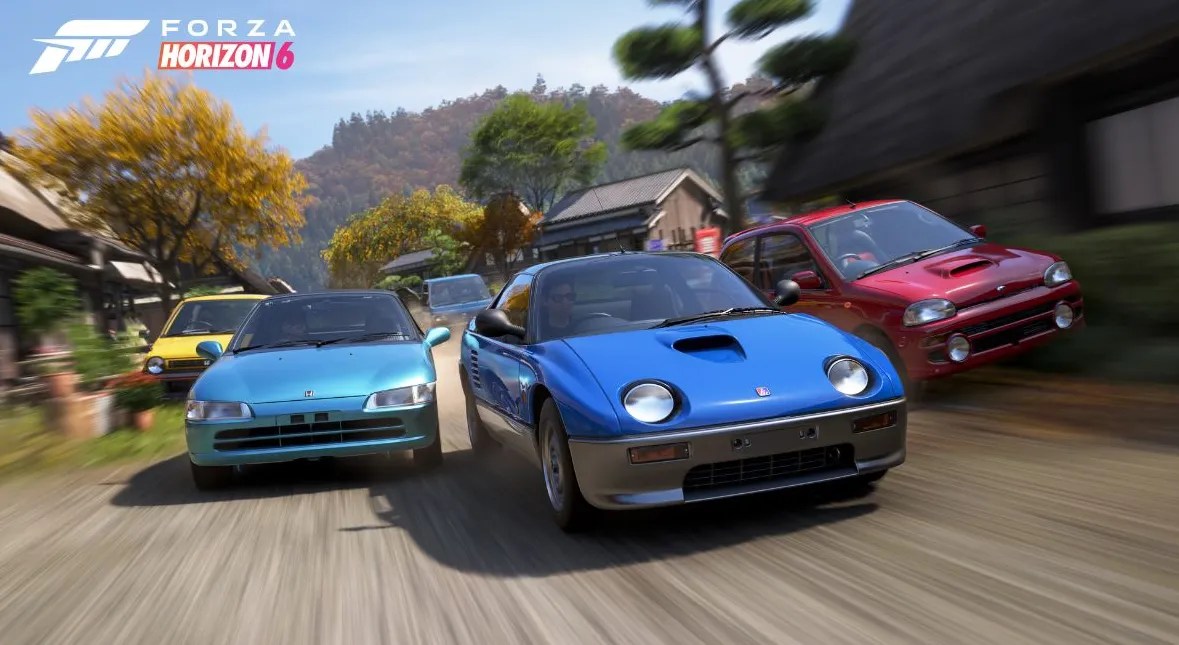
If you’re looking to squeeze a bit more speed or just a whole lot more racing potential out of your favourite car in Forza Horizon 6, one of the smartest things you can do is learn how to find and download a tuning setup created by a seasoned player.
In this guide, we’ll show you, step-by-step, exactly how to go about downloading Tuning Setups in Forza Horizon 6, installing them and then getting out there and taking down your friends across the roads of Japan.
Experiencing technical problems? Here’s a complete guide to fixing Forza Horizon 6 crashes on PC. Dive into the guide, sort out the crash, and jump back on the track before it’s too late.
How to Download Tuning Setups in Forza Horizon 6
Step 1: Hit the Pause Button
Just pause the game for a second and have a look at the main menu.
Step 2: Head Over to the Creator Hub
Up top in the navigation bar, click the Creator Hub tab. That’s where you’ll find all sorts of great community-created content, including tunes, liveries and loads more.
Step 3: Look for the Tunes
Inside Creator Hub, click on the Tunes option, and you’ll be presented with a massive selection of community-created tuning setups that have been made for all sorts of vehicles. Ready for the biggest race in the game? Learn where to find the Goliath race and how to unlock it through our guide. It has everything you need to know.
Step 4: Pick Your Ride
Find the car you want to tune and select it. The game will then show you all the available tuning setups that have been made specifically for that vehicle.
Step 5: Get Your Tune
Browse through the options and pick the one that looks most appealing. Then just click on either Download and Install to try it out right away or Download and Save to keep it away for later. And you are done!
Planning to explore every corner of Japan? Grab the Japan Boost service for faster progression and exploration rewards from MitchCactus. Get your hands on it instantly so you don’t miss out.
How to Find the Best Tunes
Not all tunes are made for the same purpose. When browsing, pay attention to the tune description. Some setups focus on:
- Drag racing
- Circuit racing
- Street races
- Drifting
- Off-road events
- High-speed highway runs
Choosing the right tune for the right activity can make a huge difference in performance. Players often rate and use the best tunes, so highly downloaded setups are usually a safe choice.
Can You Change a Downloaded Tune?
Absolutely! After you download Tuning Setups in Forza Horizon 6, you can still modify the settings if you want to experiment.
Want to level up faster? Check out the Wristband Boosts at MitchCactus and unlock new Horizon opportunities. These boosts will help you race down the tracks even better. So hurry and get your hands on it now! With the right setup installed, even an average vehicle can become a race-winning machine.
Check out some of our most popular Boosting services:




