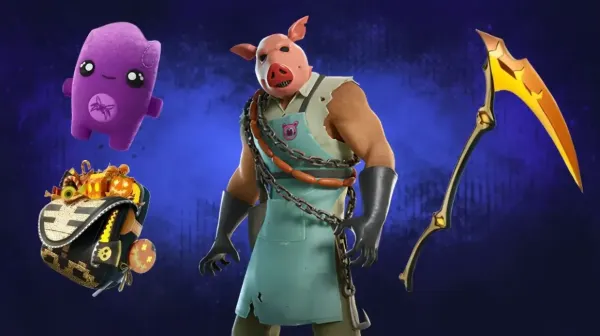
You can surprise friends or celebrate wins with the gifting feature of Fortnite. Knowing how to gift skins in Fortnite saves time and avoids mistakes. This guide focuses only on the real steps. You will not see fluff here. By the end, how to gift skins in Fortnite will feel easy and safe.
What You Must Have Before Gifting
Before learning how to gift skins in Fortnite, you need to meet a few rules. Two-factor authentication must be active on your account. This is not optional. Plus, enough Vbucks are required if you want to purchase any desired skin.
For example, the cheapest skins in Fortnite usually cost around 800 V-Bucks. Moreover, there’s a check that you need to be friends for 48 hours as well. Fortnite blocks instant gifting to new friends.
Where Gifting Actually Works
A big mistake players make while learning how to gift skins in Fortnite is checking the locker. You cannot gift items you already own. Gifting only works inside the Item Shop.
You also need to consider that if the item is not in the shop, you cannot send it. Console as well as PC follow the same system.
Step 1. Open The Item Shop
Start Fortnite and load into the main menu. From here, open the Item Shop tab. It sits between Locker and Battle Pass. This is the only place where gifting works. If you are not here, gifting options will never appear.
Step 2. Choose The Item Carefully
Scroll through the Item Shop and select your item. This can be a skin. It can be an emote. It can also be a bundle. Fortnite now supports dynamic bundle gifting. This means you will not send duplicates. The system removes owned items automatically.
Step 3. Use The Gift Buton
After selecting the item, look next to the purchase buton. You will see the “Buy As Gift” option. Tap or click it. This is the most important step in how to gift skins in Fortnite. If you press buy instead, the item goes to your account.
Step 4. Pick The Right Friend
A list of friends appears next. Use the search bar if needed. Always search by Epic display name. Console names can confuse the system. Once you send a gift, it cannot be refunded. Double-check the name before continuing.
Step 5. Confirm And Send
Confirm the purchase once everything looks correct. If you lack V-Bucks, Fortnite prompts you to add more. Once confirmed, the gift sends instantly. Your friend gets a notification right away. That completes the full how to gift skins in Fortnite process.
Items You Can Actually Gift
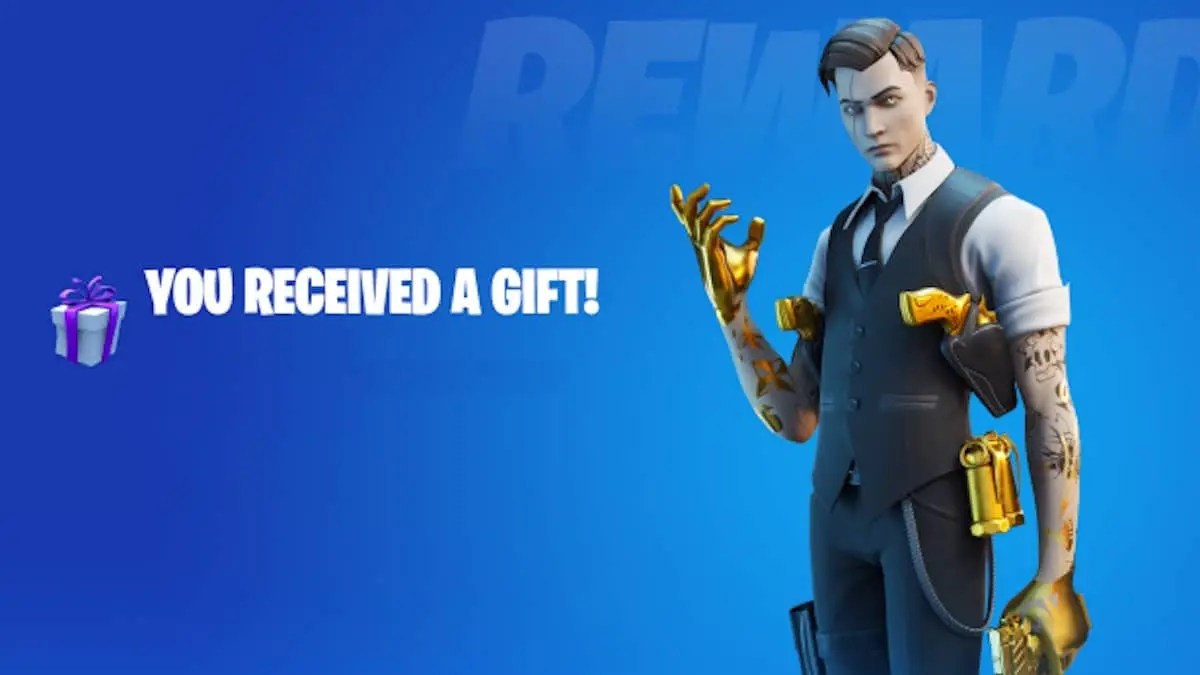
Fortnite allows gifting of most cosmetic items. Skins are giftable. Emotes work too. Gliders are supported. Pickaxes can be sent. Back bling is included. Music packs also qualify. You cannot gift V-Bucks themselves. You also cannot gift owned locker items.
Daily Limits You Should Know
Fortnite limits gifting to five items per day. This applies per account. The limit resets daily. This prevents abuse. Plan gifts carefully if you are sending multiple items. This rule often surprises new players learning how to gift skins in Fortnite.
Common Gifting Problems And Fixes
Sometimes gifting does not work. Usually, one rule is missing. Check 2FA first. Then check friendship time. Confirm your V-Bucks balance. Also read the gifting policy in-game. Most problems fix instantly once requirements are met.
Gifting Bundles Without Wasting Items

Dynamic bundle gifting changed everything. If your friend owns part of a bundle, Fortnite adjusts the price. Only missing items are sent. This prevents wasted V-Bucks. It also makes gifting bundles much safer. This is a huge improvement for frequent gifters.
Can You Gift The Battle Pass
You can gift the Battle Pass, but not with V-Bucks. It requires real money. The option appears separately in the shop. This is important to remember. Many players confuse this rule when learning how to gift skins in Fortnite.
Is Gifting Safe To Use
Gifting is fully supported by Epic Games. There is no ban risk. You are using official systems. As long as rules are followed, nothing bad happens. This makes gifting one of the safest features in Fortnite.
Gifting Skins In Fortnite
Learning how to gift skins in Fortnite is straightforward once rules are clear. Use the Item Shop only. Enable 2FA. Wait 48 hours after adding friends. Check names carefully. Once you do this, gifting becomes second nature. It is one of the best ways to share Fortnite fun.
If you want to gift more often, having V-Bucks ready helps a lot. Buying Fortnite V-Bucks cheap at MitchCactus lets you save money while sending skins and bundles. You load up once and gift freely. It fits perfectly if you gift often and want better value without overspending.