





























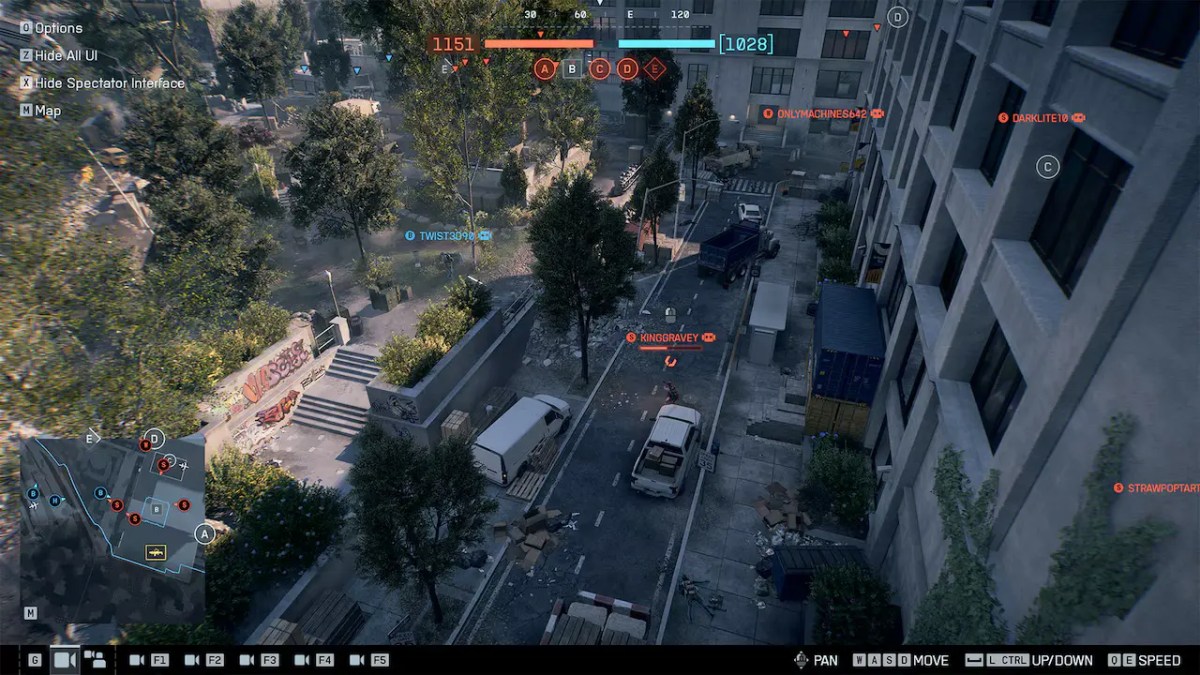
The latest Battlefield 6 update finally makes Custom Lobbies and Spectator Mode available to the player base. If you want to run 1v1 dogfights, organize clan scrims, or capture clean gameplay footage, learning how to configure your own server is mandatory.
This Battlefield 6 custom lobbies guide breaks down exactly how to do that. You can also read our comprehensive Battlefield 6 Top Gun event breakdown to see what else this update has in store for players.
How to Set Up Custom Lobbies in Battlefield 6 Season 4
Setting up private matches used to be a complicated affair. With Season 4, the game now streamlines the process inside Battlefield Portal. However, you still need to toggle the right options to keep random players from hijacking your session.
Step-by-Step Portal & Private Match Setup
Navigate to the Play tab from the main menu and select Battlefield Portal. From here, click Host Custom Match to launch the lobby creation screen.
Follow these steps to lock down your server:
| Step | Configuration | Action & Details |
| 1 | Select Game Mode & Map | Choose your baseline ruleset (Conquest, Breakthrough, or Custom TDM) and add maps like Wake Island to your rotation. |
| 2 | Set Server Name & Password | Toggle Private Lobby to “On” and input a secure password to block public matchmaking. |
| 3 | Configure Player & Bot Limits | Adjust maximum human slots from 2 to 128 players. Set AI bot backfill to Off, Fill, or Host Only. |
| 4 | Select Server Region | Manually lock your region to ensure minimal latency for all participants. |
Once your parameters are locked, hit Host Server. Your lobby will spin up within 15 seconds.
Recommended BF6 Custom Lobby Rules & Modifiers
| Setting | Default Value | Recommended Comp Value | Impact on Gameplay |
| Damage Multiplier | 1.0x | 1.0x (or 1.25x for Hardcore) | Normal TTK prevents low-skill spray meta. |
| Health Regeneration | On | Off | Forces reliance on Support class crates. |
| Vehicle Respawn Delay | 100% | 50% | Keeps armor and air transport constantly active. |
| Soldier Sprint Speed | 100% | 100% | Prevents broken desync and hit-box warping. |
| Friendly Fire | Off | On | Punishes sloppy grenade spam and reckless armor shell firing. |
Default settings are rarely ideal for competitive play. If you want balanced matches, tweak your BF6 custom lobby rules immediately after spinning up the room. Setting up these modifiers will make sure your Battlefield 6 Season 4 custom games run cleanly without cheese tactics. Don’t forget to save your config as a preset so you don’t have to rebuild it every session.
Want to show off rare gear while hosting your private matches? Grab an Unstoppable Force Camo unlock or redeem valid System Override Skin codes to stand out on the scoreboard.
Host Preset: Setting Up Top Gun Air Combat Lobbies
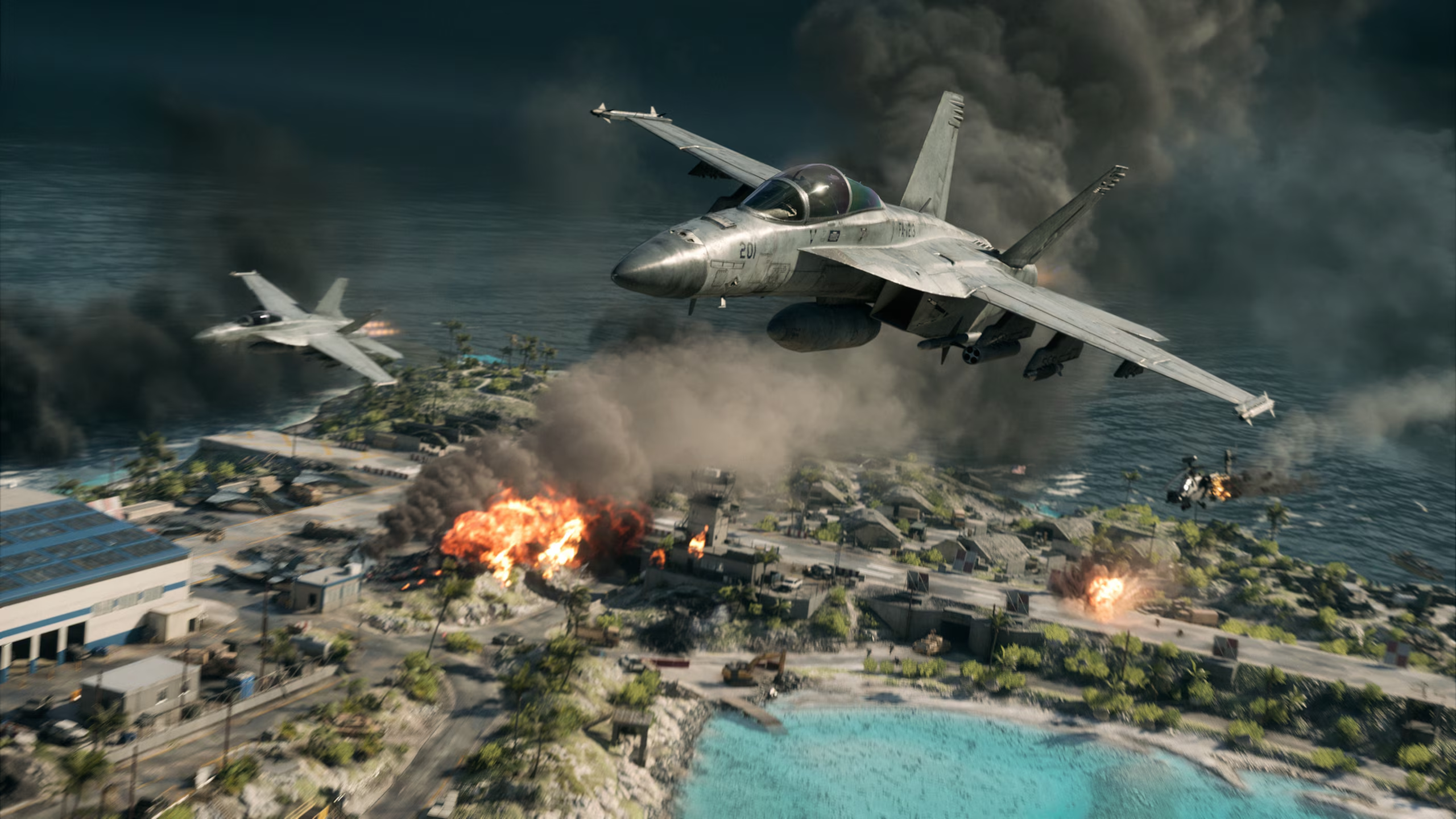
The return of Wake Island brought intense dogfighting demands. Standard Conquest lobbies are terrible for air combat practice due to ground AA weapons ruining every single 1v1 engagement.
To build dedicated air combat custom lobbies, set Wake Island or Tsuru Reef as your map. Set jet respawn timers to zero and configure two-seat cockpit slots. This is so players can pair up as Pilot and WSO in the new F/A-81F Super Spectre or F-74A Seacat jets.
All of which are capable of launching from aircraft carrier HQs. This setup lets downed pilots jump straight back into the cockpit without waiting around.
Make sure your flight controls are dialed in before jumping into high-speed dogfights. Check out our jet controls and air combat settings guide to fine-tune your keybinds.
Mastering BF6 Spectator Mode & Director Tools
Content creators and tournament organizers will need clear visibility. Season 4 introduces a BF6 spectator mode with dedicated camera angles and streamlined cinematic controls.
How to Join as a Spectator
Joining as a spectator requires a specific slot allocation before the match starts.
- Open the server browser or join via your private lobby link.
- Highlight the target server, select More Options, and click Join as Spectator.
- If you are the lobby host, assign yourself to a Director Slot in the pre-game lobby menu before launching the map.
Key Controls & Battlefield 6 Spectator Settings
Once loaded in, you can switch off default UI clutter. Use the following Battlefield 6 spectator settings to capture cinematic footage or broadcast tournament play:
| Control / Feature | Keybind / Method | Function & Details |
| Free-Cam Toggle | F3 / R3 + L3 | Unlinks your camera from players, allowing unrestricted movement across the entire map. |
| Player Focus | Click Player Card | Instantly snaps the camera to a selected player’s first-person or third-person perspective. |
| Hide HUD Toggle | Toggle HUD Hotkey (Default: Backspace) | Removes UI clutter for cinematic capture |
| Camera Speed Modifier | Settings Menu | Adjust free-cam travel speed to create smooth, slow-motion panning shots over objective points. |
Troubleshooting & Optimization Fixes
Server disconnections and bugged lobbies can still happen. If your custom room crashes during high-capacity matches, try checking the server tick rate in the main settings tab. High-tick servers require more bandwidth. Drop back down to standard rates if players experience Rubberbanding.
Having your rule presets reset to default can be frustrating. You can avoid it by saving your configuration under a new preset name instead of overwriting existing templates. If the lobby still reverts mid-session, host migration or host disconnect is usually the culprit.
For a complete breakdown on client stability, server-side fixes, and known issues, check out our coverage of the Battlefield 6 1.4.2.0 patch notes.
Final Thoughts
Custom lobbies give you complete control over your Season 4 experience, whether you are hosting competitive scrims or filming high-flying air combat clips. Tweak your modifiers, lock down your password settings, and just run the exact match style you want.
Ready to dominate your own private matches? Skip the tedious grind by checking out our Battlefield 6 boosting services today.
Check out some of our most popular Boosting services:


Frequently Asked Questions (FAQ)
Can you earn XP in Battlefield 6 custom lobbies?
Yes, but full XP is only granted if your lobby uses default weapon and movement modifiers. Enabling extreme damage multipliers or fast bot farming caps your match XP significantly.
How many spectator slots are available per custom game host?
Through Battlefield Labs, custom lobbies support dedicated Director and Spectator slots, typically up to 4 slots in standard Conquest. It also has options for tournament streams in dedicated event builds. These slots do not consume active player positions on the scoreboard.
Do custom lobby settings save for future sessions?
Yes. You can save up to 5 custom ruleset templates directly in the Battlefield Portal host menu for instant loading later.
Can console and PC players join the same custom lobby?
Yes. As long as the host enables Crossplay in the initial lobby setup menu, Xbox, PlayStation, and PC players can join seamlessly.