
























The Battlefield 6 update 1.4.2.0 patch notes just dropped. It brings a massive wave of quality-of-life tweaks, vehicle engine overhauls, and HUD customization options.
This patch also fixes core mechanical issues that have frustrated the competitive community since launch. For a complete list of technical changes, check the official EA Game Update 1.4.2.0 patch notes.
To help tweak your flight stick or controller setup for the update, dive into our Battlefield 6 Top Gun Jet Controls Guide.
In this article, we go through the full [KW: Battlefield 6 update 1.4.2.0 patch notes] and understand the mechanical shifts you need to know.
Key Settings Overhaul: Airplane Control Assist & ADS Dispersion
Update 1.4.2.0 introduces major quality-of-life adjustments to controls and HUD options. This covers everything that changed with the new flight toggles and dynamic crosshair settings. This also includes how you can configure them for competitive play.
Airplane Control Assist: Who Should Use It?
EA added a brand-new setting under Options > Controls called [KW: Airplane Control Assist setting]. This feature automatically attempts to level your jet fighter’s wings with the horizon when you stop pitching or rolling.
For struggling beginners, this feature is a decent training wheel. For experienced dogfighters? It is a trap. The auto-leveling forces a constant fight against manual pitch adjustments. That ruins tight loops and tactical vertical maneuvers during dogfights.
Consider turning this feature off if you prefer complete freedom of the controls.
| Setting Option | Best For | Flight Impact |
| Assist ON | Novice Pilots | Prevents crashing. Auto-levels wings to the horizon. |
| Assist OFF | Dogfighters & Vets | Full pitch/roll freedom. Essential for tight turns. |
ADS Dispersion Crosshair Settings
Weapon bloom has always been a hot topic in the competitive Battlefield community. With Update 1.4.2.0, the developers finally give players much-needed visual feedback.
The new [KW: ADS dispersion crosshairs] dynamically expand and contract in real time while aiming down sights. This allows players to see their reticle spread as they fire.
The toggle inevitably changes how you manage recoil on high-rate-of-fire assault rifles. Players can now visually track weapon bloom without guessing when the accuracy resets between bursts.
It’s even possible to set the HUD crosshair color to high-contrast cyan or bright green with 100% opacity for maximum visibility against dark terrain.
Flight Physics & Vehicle Tweaks
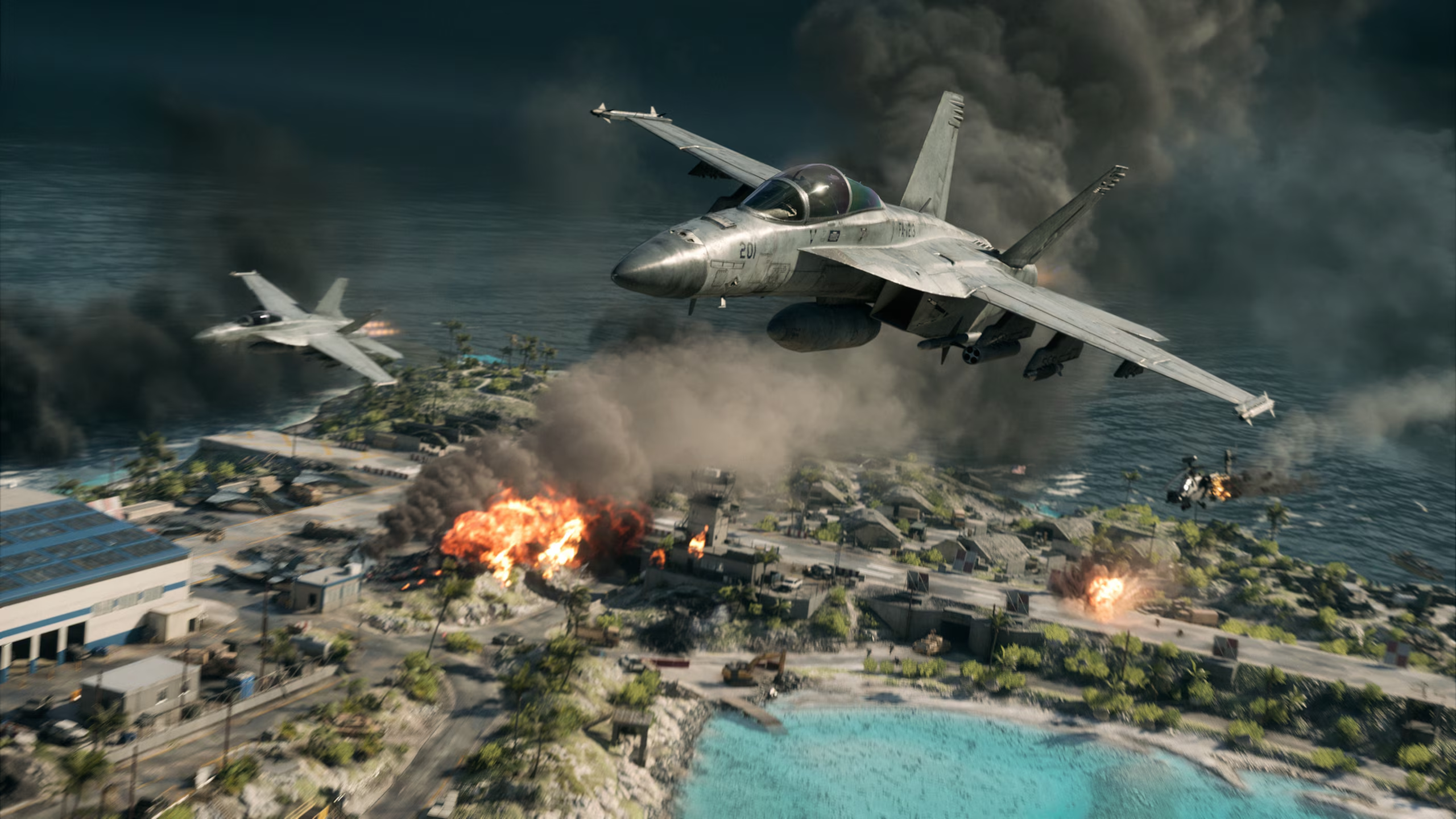
Ground-to-air combat and dogfighting both got a much-needed tune-up in this patch. From overhauled runway landing mechanics to improvements in naval support tracking, here is how vehicle physics shifted in Update 1.4.2.0.
Jet Landing Gear & Physics Corrections
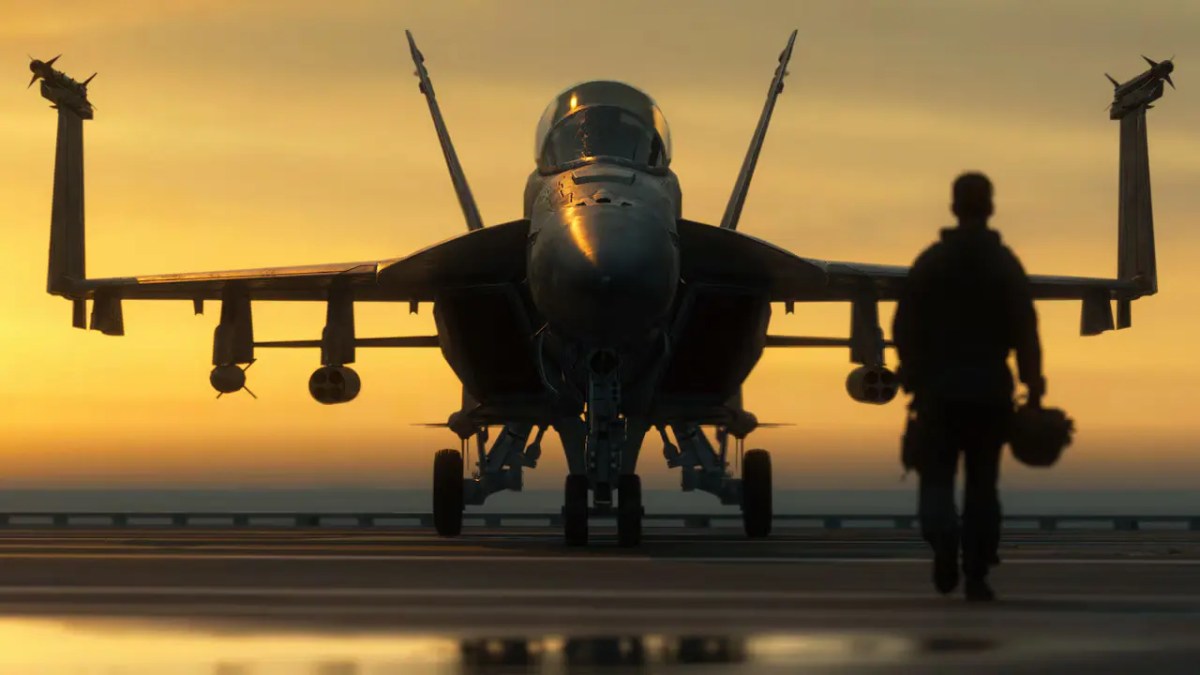
DICE finally addressed the absurd bug where two-seater jets launched into orbit upon touching down. This [KW: jet landing gear physics fix] adjusts ground friction, landing gear suspension compression, and taxiing speed for all in-game aircraft.
| Update Version | Touchdown Behavior | Landing Gear Reaction | Final Outcome |
| Patch 1.4.1 | Touchdown | Suspension Glitch | Jet Flips / Explodes |
| Patch 1.4.2 | Touchdown | Smooth Compression | Stable Taxiing |
Takeoffs are now designed to feel heavier, requiring proper runway length rather than instant lift-off. The AGM-88 projectile model was updated to render correctly after firing.
A separate fix also resolved an issue where firing lock-on rockets from jets caused unintended aircraft movement or self-inflicted damage.
Patrol Boat & Naval Support Adjustments
Naval combat on water-heavy maps sees a direct buff with the RCB-90 Patrol Boat. Laser-designated mortar rounds now track marked targets aggressively.
Additionally, naval mines deployed by support vessels drop into synchronized clusters instead of drifting off into random map boundaries.
REDSEC & Map Updates: USS Grant Crashed Carrier POI
Battle Royale players dropping into Fort Lyndon will now notice a massive visual and tactical shift in the eastern sector. The [KW: USS Grant crashed carrier POI] is designed to add a multi-level, hulking steel ruin right along the shoreline.
| Zone / Feature | Tactical Breakdown |
| High-Tier Loot Hotspot | The flight deck and lower engine rooms house dense armor and weapon caches. |
| Verticality & Choke Points | Tight corridors favor shotguns and SMGs, while the bridge dominates surrounding open fields. |
| Rotation Hazard | Exiting the hull leaves squads fully exposed to snipers on the ridge. It’s advisable to carry smoke grenades. |
If you are exploring the new map layout while hunting seasonal rewards, match this location drop with our breakdown in the Battlefield 6 Top Gun Event Guide.
Portal & Engine Enhancements: Custom Lobbies Setup
Community server builders get long-awaited tools in this patch. Setting up a [KW: Custom Lobbies Portal setup] now includes raw SDK support for Tsuru Reef and Wake Island map assets.
Rule creators can adjust capture point radii, force specific weapon restrictions, and mess with the Ring of Fire mechanics in REDSEC custom modes.
If you are launching custom lobbies to flex rare cosmetics like the System Override Skin Codes, server loading times are now roughly 30% faster thanks to backend engine optimizations.
Underwater Mechanics & Bug Fixes
DICE cleaned up several immersion-breaking glitches lurking under the surface:
| Mechanic / Bug | Previous Behavior (Pre-Patch) | Fixed Behavior (Patch 1.4.2) |
| Underwater Revives | Defibrillator charges drained completely. Downed squadmates sank to the bottom. | Squadmates revive reliably in shallow aquatic zones. |
| Swimming Animations | Sprinting into deep water locked weapons in a swap loop. | Transitions into swimming maintain normal firearm animations. |
| Ladder Physics | Dismounting near water launched players across the map. | Exit animations dismount predictably without velocity glitches. |
Weapon FOV scaling was also adjusted across all sniper scopes. This fixed narrow black border artifacts on ultra-wide monitors.
How Update 1.4.2.0 Impacts the Competitive Meta
This update reshapes the pacing of combat across multiple modes. Flight warfare now requires raw mechanical skill again. That’s all due to the landing gear fixes and control settings that penalize lazy flying.
Gunfights now feel far more predictable thanks to clear ADS dispersion visuals. It rewards players who tap-fire rather than holding down the trigger.
Getting familiar with the flight physics again and adjusting to the new mechanics can slow down your progression. If you want to skip the trial-and-error period, players often take advantage of Battlefield 6 Boosting Services to get you to your season goals.
If limited-time event rewards are your focus, you don’t have to sink dozens of hours into grinding. Our Battlefield 6 Challenge Boosting options ensure you claim exclusive unlocks and save some time.
Frequently Asked Questions (FAQ)
Did Update 1.4.2.0 adjust overall weapon damage or TTK across all classes?
No general weapon damage or Time-to-Kill (TTK) values were altered in Patch 1.4.2.0. The changes strictly impact visual dispersion feedback, optics FOV scaling, and vehicle balance rather than base firearm stats.
How does Patch 1.4.2.0 affect controller sensitivity settings for flight combat?
The update introduced independent pitch and roll pitch curves under Control Advanced options. This allows pilot main players to set distinct analog stick response curves for jets without affecting ground vehicle turning speed.
Can I run the Tsuru Reef custom assets in Portal without owning the Season Pass?
Yes. All Portal map assets and SDK tools unlocked in Update 1.4.2.0 are free for all players. You can join or host Tsuru Reef custom lobbies regardless of your Battle Pass tier or account level.
Does the new laser-designated mortar feature on patrol boats work with Recon squad pinging?
Yes. Any target marked by a Recon squadmate using the SOFLAM or drone painter will auto-lock the RCB-90’s mortar system. This allows naval crews to bombard enemy armor hidden behind hills or smoke cover without direct line of sight.
Check out some of our most popular Boosting services:


Final Thoughts
Update 1.4.2.0 delivers the technical polish Battlefield 6 desperately needed. It has addressed broken vehicle physics while giving competitive players better reticle feedback.
Make sure you jump into options, disable flight assistance, and adjust your crosshairs before jumping into your next match.
If you want to skip the grind and instantly unlock patch-related weapon skins, check out our Battlefield 6 Boosting Services.