









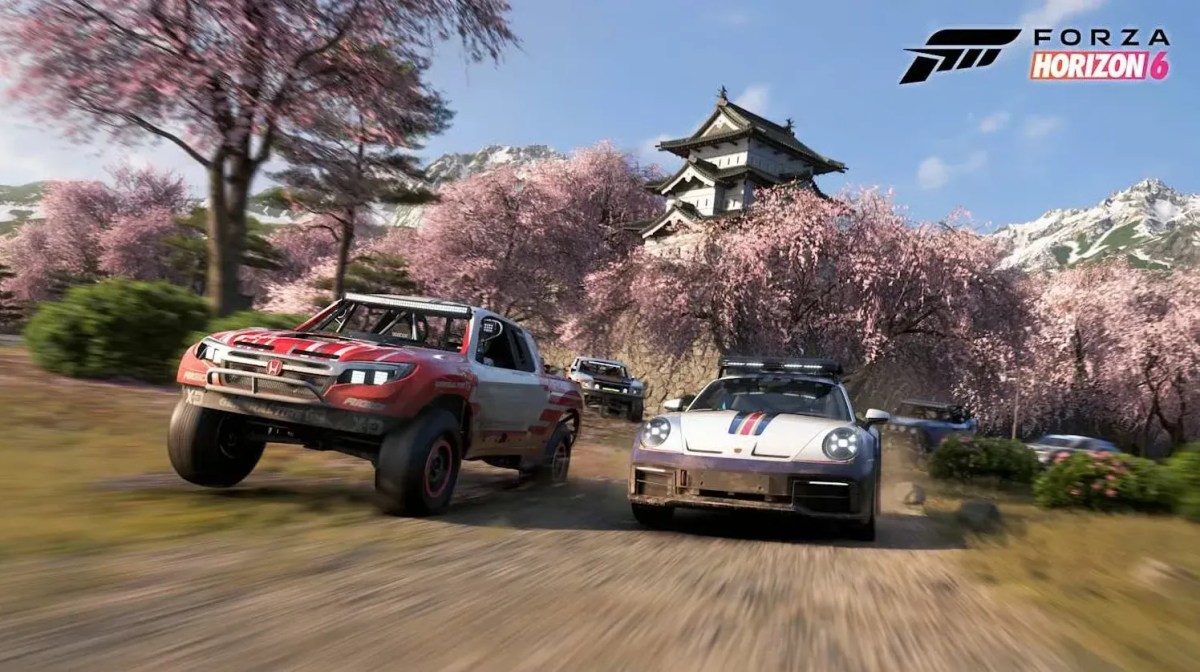
Nothing kills the excitement of a racing adventure in Forza Horizon 6 quite like having a controller that just quits on you. You’re all set to carve up the roads of Japan, take on those mountain routes and come out on top in a close race, when suddenly your controller just decides it’s not playing ball.
Fix 1: Turn Steam Input On or Off
- Open Steam.
- Go to your Library.
- Find Forza Horizon 6.
- Right-click the game and select Properties.
- Click the Controller tab.
- Look for the Forza Horizon 6 override.
Now test both options:
- Enable Steam Input
- Disable Steam Input
Launch the game after each change and check whether your controller works. Different controllers react differently. For some players, enabling Steam Input solves the issue instantly. For others, disabling it works better.
Fix 2: Check Steam Controller Settings
If the first fix does not work, check Steam’s global controller settings. Here’s how:
- Open Steam.
- Click Steam in the top-left corner.
- Select Settings.
- Open the Controller section.
- Click Advanced Controller Settings.
You will see support options for different controllers. Looking for some of the most desirable vehicles in the game? Explore these rare cars and add something special to your Forza Horizon 6 garage. Get your hands on it with our service instantly.
Xbox Controllers
If you use an Xbox controller:
- Enable Xbox Controller Support.
- Test the game.
- If it still fails, disable it and test again.
PlayStation Controllers
If you use a PlayStation controller:
- Enable PlayStation Controller Support.
- Launch the game.
Generic and Switch Controllers
For generic or Nintendo Switch controllers:
- Toggle support options on and off.
- Test each setting until you find the one that works.
This step fixes many cases of the controller not working in Forza Horizon 6 because Steam sometimes applies the wrong controller profile.
Fix 3: Install Xbox Extended Feature Support
Xbox controller users have one extra option. Inside Steam Controller Settings, install the Xbox Extended Feature Support Driver. Want more rewards with less effort? Check out these Super Wheelspin opportunities and unlock credits, cars, and valuable prizes faster. This driver improves communication between Steam and your controller.
Fix 4: Close Controller Mapping Software
Many players use programs such as:
- DS4Windows
- reWASD
- InputMapper
While these apps are useful, they can sometimes interfere with Steam Input. If you are experiencing a controller not working issue:
- Close all controller-related software.
- Exit them completely from the system tray.
- Restart Steam.
- Launch the game.
Many controller conflicts disappear after removing these background programs. Need extra credits for upgrades and new rides? This guide covers the best ways to farm money and unlock more cars in Forza Horizon 6.
Fix 5: Reconnect Your Controller
Sometimes the simplest solution works. Try:
- Disconnecting the controller.
- Reconnecting it.
- Switching USB ports.
- Using a wired connection instead of Bluetooth.
- Restart your PC.
Unlock hidden rewards and expand your collection with this complete guide to the Car Mastery system in Forza Horizon 6. Now fire up your favourite car, hit the roads of Japan, and enjoy the ride!wards and expand your collection with this complete guide to the Car Mastery system in Forza Horizon 6. Now fire up your favourite car, hit the roads of Japan, and enjoy the ride!
Check out some of our most popular Boosting services:




