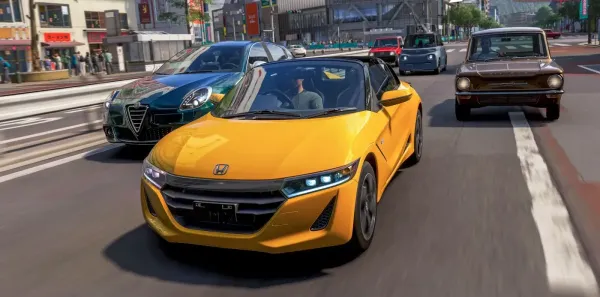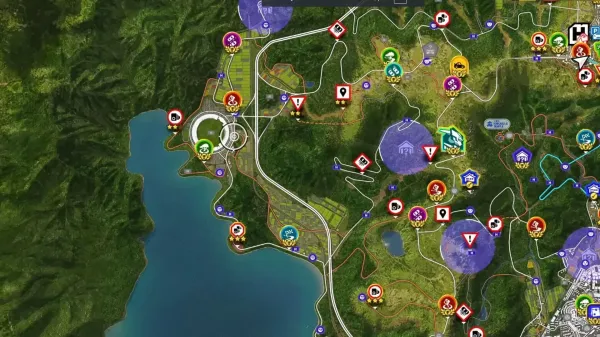





































Driving aids in Forza Horizon 6 are meant to make racing more available by means of help with steering, braking, traction, stability, and gear changes. While many experienced drivers decide to switch them off to have more control over their vehicles, newcomers may find these characteristics helpful. If you are exploring the map while practicing manual driving, be sure to check out Where to Find Fast Travel Boards in Forza Horizon 6 to unlock quicker travel and spend more time behind the wheel.
Lowering or turning off assists helps players to learn better racing techniques and maybe reach faster lap times. But if you are used to automatic braking, traction control, or an automatic gearbox, switching from assisted driving modes can also make the game more difficult. We will go over in this guide how to disable driving aids in Forza Horizon 6 and what you might anticipate as you move to more manual driving configurations.
What are Driving Assists in Forza Horizon 6
In Forza Horizon 6, driving assists are adjustable difficulty modifiers that alter steering, braking, and throttle engagement. This in turn affects lap timings, credit multipliers, and car handling. The core driving assists are:
- Braking
- Steering
- Traction Control (TCS)
- Stability Control (STM)
- Shifting
- Driving Line
Understanding these tools helps players to customize vehicle performance to fit their tastes. You may go over frequent fixes that can enable you to resume uninterrupted driving in How to Fix Forza Horizon 6 Crashing on PC.
How to Turn Off Driving Assists in Forza Horizon 6
From the pause menu, choose the Difficulty choice under the Campaign section to turn off driving support in Forza Horizon 6. This is where you can turn off assisted steering, traction control, and assisted braking. Here is how to turn off driving assists in Forza Horizon 6 step-by-step:
Open the Pause Menu
Either press the default key on your keyboard or the Menu button on your Xbox controller.
Go to Settings
Choose Settings after navigating to the Campaign tab.
Choose Difficulty
On the left side of your screen, choose the Difficulty option.
Change Assists
Go through each assist and adjust it to your preferred setting (e.g., set Steering to Standard and Braking to Anti-lock On/Off).
Save Modifications
Make sure you save your modifications before exiting the menu.
You can buy Forza Horizon 6 Super Wheelspins for more rewards and exclusive items.
Conclusion
Turning off driving aids in Forza Horizon 6 might fundamentally alter your game experience, give you more vehicle control, and enable you to acquire better driving abilities. Though at first the change can be difficult, the better accuracy and feeling of achievement make it worthwhile. Disable one assist at a time first, then play around with several configurations until you discover one fit for your driving style. Practice helps you to become more confident behind the wheel and experience a more interesting and fulfilling racing experience. Players looking for a head start can also explore Buy Forza Horizon 6 Modded Accounts for access to established garages, credits, and other in-game advantages.
Check out some of our most popular Boosting services: