









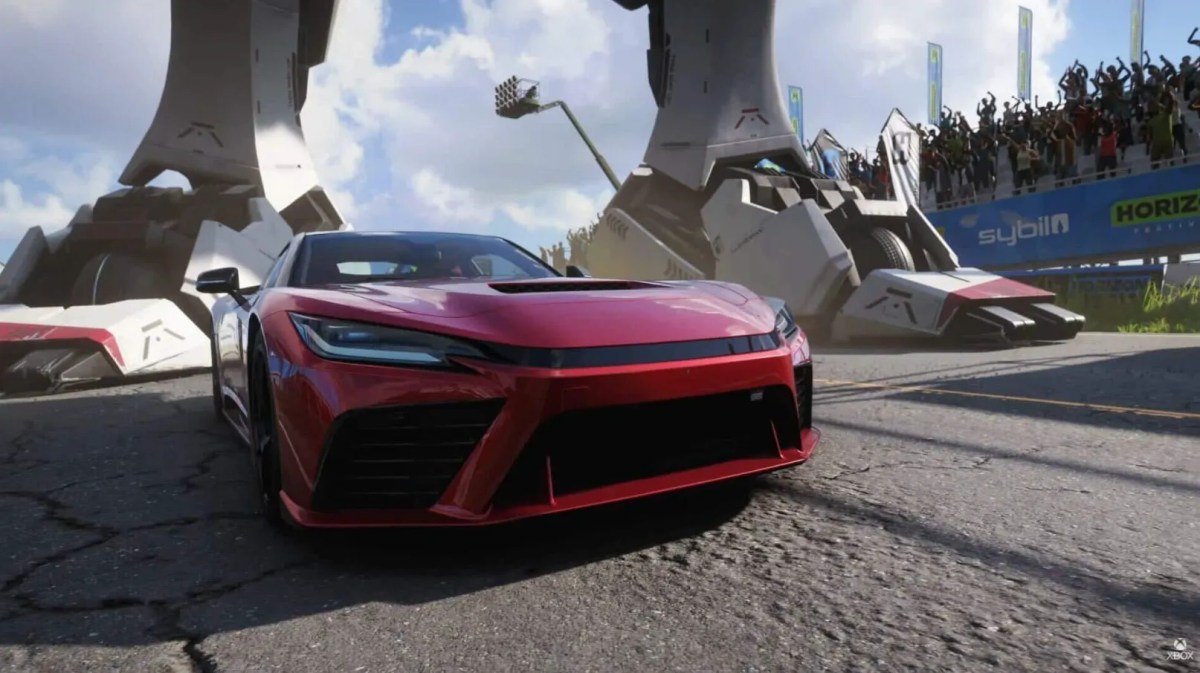
UPDATE: Forza Horizon 6 officially launched on May 19, 2026, for PC and Xbox Series X|S! A PlayStation 5 version is expected to arrive later this year.
Achieving a high, fluid frame rate is essential for maximizing precision handling, shaving off lap times, and eliminating input lag on the technical asphalt of Japan. Whether you are navigating your way through the dense neon traffic loops of Tokyo or maintaining a tight angle on a mountain touge pass, hitting a stable 60 FPS or pushing for a blistering 120 FPS completely transforms the driving experience. Because this optimization guide breaks down the best graphics settings, hardware scaling configurations, and platform-specific performance modes, you can uncap your hardware’s full rendering potential without sacrificing visual fidelity.
Why FPS Matters in FH6
Greater FPS means a lot more fun when it comes to driving. You get a much smoother ride, better control, and your reactions are lightning fast. And while 60 FPS is good, Forza Horizon 6 with 60/120 FPS, the entire thing comes together in a silky smooth racing experience, especially when you’re drifting like crazy or pushing your car to its limits at high speed.
Free stuff always hits different, right? Grab these codes and level up your garage without spending a single coin!
Step 1: Tweak your display Settings
Before you even launch the game, pop open Windows display settings and increase your refresh rate to 120Hz – or if your monitor can handle it, max out the whole thing.
Many players have gotten stuck on 60 FPS simply because their system is locked down to 60Hz. Even some of the regular players discovered that this one fix instantly removes the FPS limit. No messing with game settings needed.
And what’s more, this one tweak alone can uncap Forza Horizon 6 ‘s 60/120 FPS without you having to touch a single setting in the game.
Still thinking if FH6 is worth it? Before you hit download, take a pit stop here and find out if it’s actually worth your time! Check out the guide now.
Step 2: Sort out your In-Game Graphics settings
If you’re after Forza Horizon 6 60/120 FPS, you’re going to need to find a nice balance between visuals and performance :
- Resolution: Try 1080p or 1440p; these will give you a smoother ride in terms of FPS.
- Dynamic Render Quality: Dial this back to Medium; it’s usually the best way to get stability.
- Shadows: Low or Medium
- Reflections: Medium
- Ray Tracing: Off
- DLSS/FSR: Turn ON (huge FPS boost)
Lowering heavy settings like shadows and reflections gives big FPS gains without ruining visuals.
Step 3: Choose the Right Hardware Settings
Your PC matters a lot:
- Mid GPUs (GTX 1070): 1080p Low for 60 FPS
- RTX 2060 / RX 6600+: High settings possible
- High-end GPUs: Can push toward Forza Horizon 6 60/120 FPS
If your PC struggles, don’t force ultra settings. Want cars that scream luxury and power? These Forza Edition cars aren’t just vehicles, they’re straight-up flex machines! Read all about cars in the guide.
Step 4: Console Players
For console users, hitting Forza Horizon 6 60/120 FPS depends on your setup:
- Use a 120Hz TV/monitor
- Enable 120Hz in Xbox settings
- Use an HDMI 2.1 cable for the best output
Also:
- Performance Mode means higher FPS.
- Quality Mode means better graphics but lower FPS.
You usually can’t have both high quality and 120 FPS due to hardware limits. Ready to troll your friends in style? This tiny chaos machine is pure fun. Unlock it and become the ultimate road troll! Grab these codes at MitchCactus now.
Step 5: Restart After Changing Settings
There’s a small but important trick:
- Always restart the game after changing graphics settings.
- Some players noticed performance drops if they didn’t restart.
Tips for Stable FPS
- Close background apps.
- Update GPU drivers.
- Turn off motion blur.
- Use fullscreen mode.
- Avoid overheating.
Also, some players report achieving 120+ FPS on optimised setups with balanced settings and high-end GPUs. Want cars that scream luxury and power? These Forza Edition cars aren’t just vehicles, they’re straight-up flex machines! Read all about cars in the guide.
Getting Forza Horizon 6 60/120 FPS is all about balance:
- Fix your display refresh rate.
- Lower heavy graphics settings.
- Use DLSS/FSR.
- Match your hardware limits.
Do this right, and you’ll enjoy smooth, fast, and responsive racing every time.
Get More from Your FH6 Experience with These Services:





