









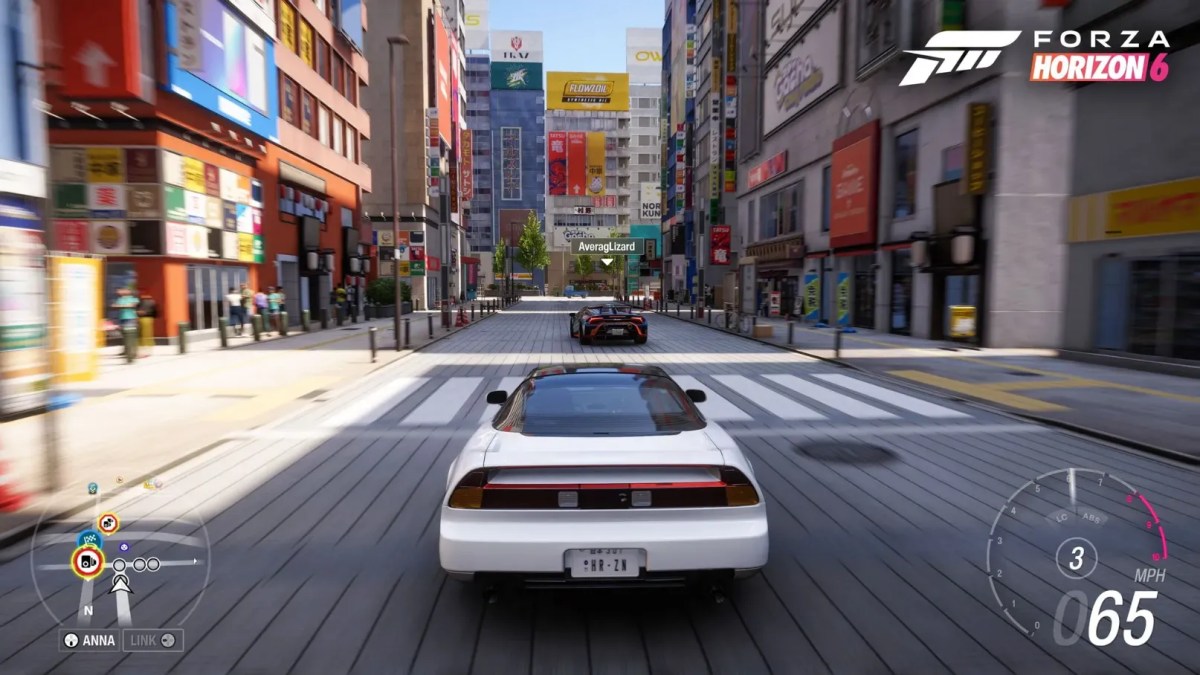
Racing on your own can be fun, but when you team up with your mates in Forza Horizon 6, things get an absolute blast.
Cruising through Tokyo streets at night with neon lights flashing all around you, tearing up mountain roads like a maniac and flexing your awesome custom cars is definitely more enjoyable with your crew right there beside you. And the best part is that the game makes it fun to team up with your crew, thanks to the new convoy system.
What’s a Convoy in Forza Horizon 6?
A convoy is basically your online crew; it lets you and your friends drive around together in free roam, join in on events, and even take part in racing as a team and just explore the game world without having to keep reconnecting all the time.
The great news is that Forza Horizon 6 now supports convoys of up to 12 players, which means bigger meetups, longer drift sessions, and non-stop highway mayhem. Want to unlock the hilarious Peel P50 Trolli rewards? Buy the Trolli codes at MitchCactus immediately.
The improved online system also cuts down on those frustrating loading delays, making it a hell of a lot easier to get on and play with your crew in Forza Horizon 6 without getting cut off mid-session.
How to Create a Convoy
Creating a convoy only takes a minute. Here’s how:
- Pause the game.
- Go to the Online tab.
- Select Convoy.
- Choose Create Convoy.
- Invite friends from your Xbox or Microsoft friends list.
- Once your friends accept the invite, they instantly join your world.
You can grab exclusive Toyota Fanta DLC rewards through our service. Hurry and buy them now!
How to Join a Friend’s Session
Sometimes your friend is already driving around, causing trouble. No problem. To join them:
- Open your friends list.
- Select their Gamertag.
- Press Join Game.
You will automatically load into their shared world. This system makes it super fast to play with Friends in Forza Horizon 6 without waiting forever in menus and looking for hidden cars. This complete Barn Finds guide shows all 15 locations in the game. Check it out now!
Tips for Smooth Multiplayer
Sometimes multiplayer can act weird, especially on PC. Users recommend setting convoy privacy to “Friends” or “Open” if invites are not working correctly. Here are a few extra tips:
- Make sure everyone has finished the online tutorial.
- Keep Xbox Game Bar enabled on PC.
- Restart the convoy if players disappear.
- Use custom lobbies for smoother races.
Doing this helps you play with Friends in Forza Horizon 6 with fewer connection problems. To better understand career choices and progression systems in FH6, visit our progression paths guide. It has everything you need to know.
Why Multiplayer Feels Better in FH6
FH6 improves nearly everything about online racing. Convoys load faster, social spaces feel more alive, and co-op events are smoother than older Horizon games.
The game is clearly built around social racing, which makes it easier than ever to play with Friends in Forza Horizon 6 for hours without getting bored.
Get More from Your FH6 Convoy Sessions with These Services:





