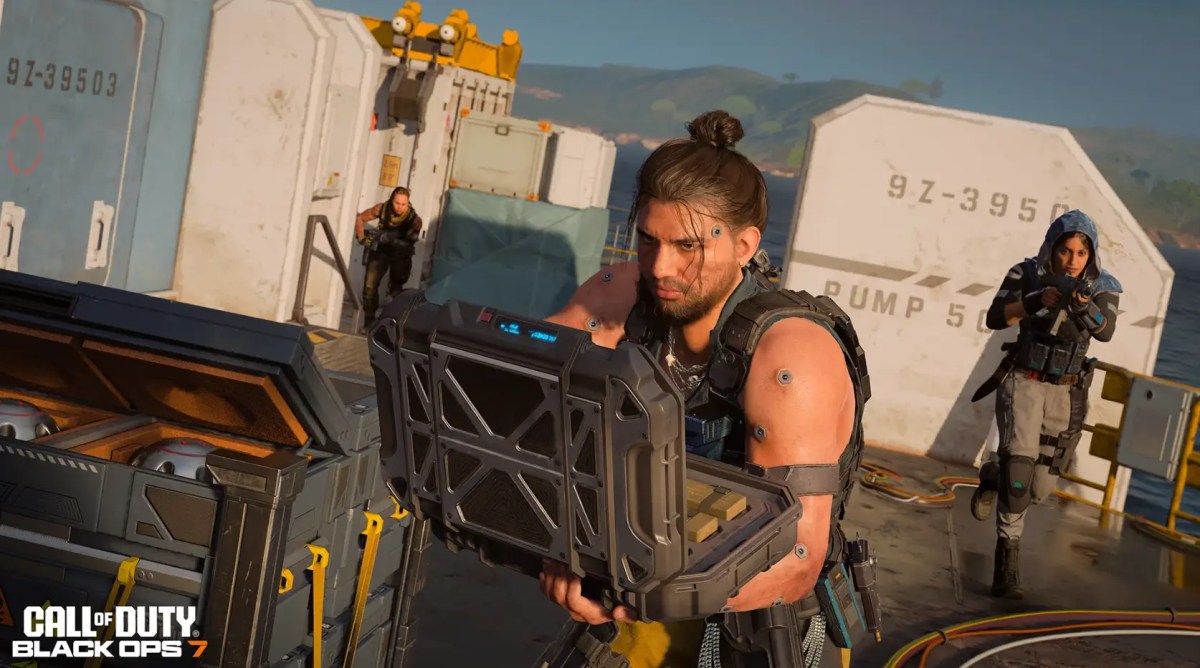
Black Ops 7 supports two-player split-screen, but only in Multiplayer and Zombies on PlayStation 5 and Xbox Series X|S.
The Campaign supports online co-op for up to four players, but it does not allow two people to play the story on one console. PC, PS4, and Xbox One versions also lack local split-screen.
Here is what each platform and mode supports, followed by the steps required to add Player 2.
Split-Screen in the Campaign
Black Ops 7’s Campaign can be played solo or with up to four players online. However, every co-op player needs a separate system and screen.
Local split-screen does not work in:
- Campaign missions
- Endgame
- Warzone
- PC versions of BO7
- PlayStation 4
- Xbox One
Players who want more information about the story, characters, Avalon, and online squad structure can review the existing BO7 Campaign details.
The story continues threads from the earlier games, including David Mason’s role after the events covered in the official Black Ops II background.
Why No Split-Screen for the Campaign?
Activision and Treyarch have not published a detailed technical explanation for excluding local Campaign co-op.
The Campaign was built as an online, shared-progression experience for one to four players. It also connects to Endgame and uses systems that depend on online profiles, individual progression, and separate player views.
Performance may be one practical consideration, but it should not be presented as the confirmed reason unless the developers state it directly.
The official Co-op Campaign and Endgame overview explains how the online squad experience connects to the rest of BO7.
Supported Modes for Split-Screen
Black Ops 7 local play is limited to two major areas:
- Multiplayer: Supported public playlists and private matches
- Zombies: Supported Round-Based and available Zombies playlists
- Campaign: Online co-op only
- Endgame: No local split-screen
- Warzone: No BO7 local split-screen option
Not every temporary or large-player playlist will necessarily accept a local pair. If the game removes the Player 2 prompt after selecting a mode, return to the main Multiplayer or Zombies lobby and choose another supported playlist.
Platform Support
Split-screen works only on the current PlayStation and Xbox console versions.
Overview of Platform Support
| Platform | Split-Screen Support |
|---|---|
| PlayStation 5 | Yes — Multiplayer and Zombies |
| Xbox Series X | Yes — Multiplayer and Zombies |
| Xbox Series S | Yes — Multiplayer and Zombies |
| PC: Steam, Battle.net, Xbox app | No |
| PlayStation 4 | No |
| Xbox One | No |
| Cloud gaming | No local split-screen |
Black Ops 7 itself is available on PS4 and Xbox One, but those versions do not provide the local Player 2 option.
How Split-Screen Works
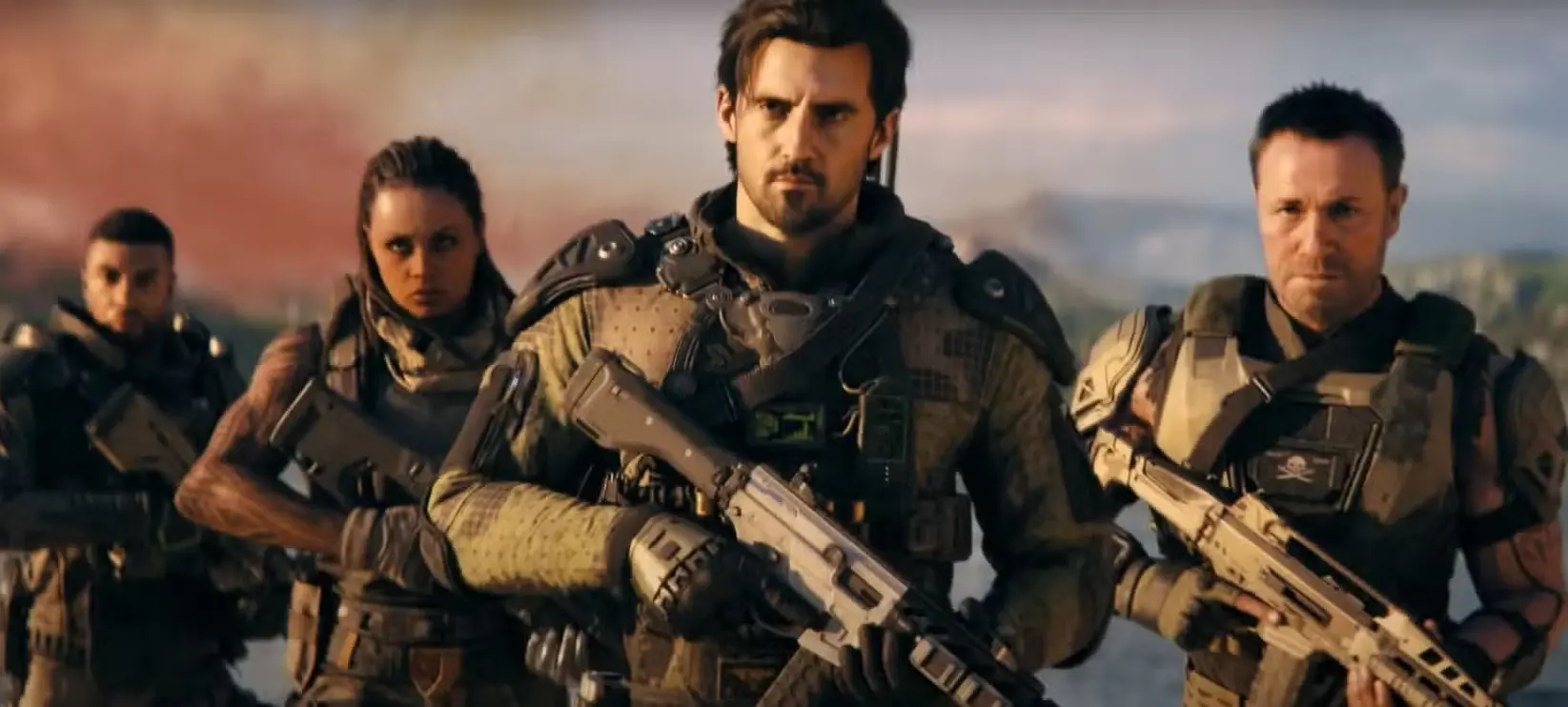
BO7 allows two local players to share one PS5 or Xbox Series X|S and one display.
Each player should have:
- A separate controller
- A separate PlayStation or Xbox profile
- A separate Activision account
- Access to the required online console services when entering public matches
- The current BO7 update and content packs
The game tracks each Activision profile’s level, weapons, loadouts, and unlocks separately. Therefore, Player 2 should use their own profile rather than relying on an unnamed guest account.
How to Add Player 2
- Connect and turn on the second controller.
- Sign the controller into a different console profile.
- Launch Black Ops 7 with Player 1.
- Open Multiplayer or Zombies.
- Wait until the party lobby appears.
- Press X on PS5 or A on Xbox with the second controller.
- Sign Player 2 into an Activision account when prompted.
- Confirm that both names appear in the party.
- Select a supported playlist or private match.
- Start the game.
The display normally divides horizontally when the match loads.
Local Play Requirements
Although both people sit at the same console, BO7 split-screen is not the same as the fully offline guest modes found in some older Call of Duty games.
For the most reliable setup:
- Keep the console connected to the internet.
- Use two proper console profiles.
- Link a separate Activision account to each profile.
- Install all required Multiplayer or Zombies content packs.
- Update the game before adding Player 2.
- Make the console the primary or home system for the account that owns BO7.
Public Multiplayer and online Zombies also follow the normal PlayStation Plus or Xbox Game Pass subscription rules.
The long-running history of couch Multiplayer and Zombies across the series is covered in the Call of Duty franchise timeline.
Multiplayer and Zombies Split-Screen
Multiplayer
Two local players can join supported online playlists or create a private match.
Both players keep separate:
- Loadouts
- Operators
- Weapon levels
- Challenges
- Camos
- Player progression
Some menus and HUD elements may feel smaller because each player receives half of the display. A larger television and readable HUD settings can make the experience more comfortable.
Zombies
Two players can enter supported Zombies modes from the same console.
For a two-player-only run, disable Squad Fill before starting where that option is available. Otherwise, online players may fill the remaining squad positions.
Both local players can earn their own weapon levels, XP, camos, and challenge progress through their Activision profiles.
Campaign Focus
The Campaign remains a separate online co-op experience.
To play the story together, every participant needs:
- Their own supported console or PC
- Their own copy or eligible Game Pass access
- A separate Activision account
- An internet connection
- An invitation to the same online party
The Campaign supports one to four players, but it cannot combine two local players on one console with other online Campaign members.
Check out some of our most popular Boosting services:


Black Ops 7 Release Status
Black Ops 7 launched worldwide on November 14, 2025. Therefore, the beta and pre-order periods mentioned in the original article have ended.
Players who participated before launch can still check the historical BO7 beta reward requirements to confirm which cosmetics were tied to beta progression.
Current split-screen support applies to the full released game rather than the old beta build.
What to Do if Player 2 Cannot Join
Confirm the Console Version
Make sure you are using the native PS5 or Xbox Series X|S version.
Running an older PS4 build through backward compatibility on a PS5 will not add the current-console split-screen feature.
Enter Multiplayer or Zombies First
The join prompt may not appear inside Campaign, Endgame, Warzone, or an unsupported playlist.
Return to the main Multiplayer or Zombies lobby, then press X or A with the second controller.
Use a Separate Profile
Do not assign both controllers to the same PlayStation or Xbox account.
Sign Player 2 into another console profile and link that profile to a separate Activision account.
Restart the Game
Fully close Call of Duty and restart the console.
Xbox players should select Quit rather than reopening the game through Quick Resume.
Check Updates and Content Packs
Both supported modes need their required files installed. A missing Multiplayer or Zombies content pack can remove the expected menu or block matchmaking.
Try a Private Match
If the second player joins successfully but a particular public playlist rejects the party, test a private Multiplayer or Zombies match.
That helps determine whether the problem comes from the split-screen setup or the selected playlist.
Why This Split-Screen Setup Works
Limiting local play to two players and two modes keeps the feature focused on the areas where couch play remains most practical.
Multiplayer offers short matches and private-game flexibility, while Zombies provides a cooperative loop that works naturally for two people sharing one room.
The limitations are still important. Players cannot use the same console for Campaign co-op, Endgame, PC local play, or old-generation split-screen.
Related Black Ops 7 Options
Players looking for past promotional cosmetics can check the available Monster Energy reward codes separately from local play.
The available accounts with existing BO7 progression provide another option for players who do not want to begin from a fresh profile.
The main Black Ops 7 game and progression area brings the current accounts, camos, challenges, ranks, and related services together.
Wrapping Up
Black Ops 7 supports two-player split-screen in Multiplayer and Zombies on PS5 and Xbox Series X|S.
It does not support local Campaign co-op, Endgame, PC split-screen, PS4 split-screen, or Xbox One split-screen. Connect a second controller, use a separate console and Activision profile, and add Player 2 from a supported Multiplayer or Zombies lobby.
Black Ops 7 Split-Screen FAQs
Does Black Ops 7 have split-screen?
Yes. Two players can share one screen in supported Multiplayer and Zombies modes on PS5 and Xbox Series X|S.
Can you play the BO7 Campaign in split-screen?
No. The Campaign supports one to four players through online co-op, but every player needs a separate system and screen.
How many people can play BO7 split-screen?
The local split-screen limit is two players. Online Zombies and Multiplayer parties may include additional remote players where the selected playlist allows them.
Does Black Ops 7 have split-screen on PS4 or Xbox One?
No. BO7 is available on both older consoles, but the split-screen feature is limited to PS5 and Xbox Series X|S.
Does Black Ops 7 have split-screen on PC?
No. Steam, Battle.net, and Xbox app versions do not include local split-screen support.
How do you add a second player in BO7?
Open Multiplayer or Zombies, connect the second controller, sign into another console profile, and press X on PS5 or A on Xbox. Player 2 must then sign into an Activision account.
Can you play BO7 Zombies split-screen privately?
Yes, supported Zombies options allow a two-player local party. Disable Squad Fill where available when you do not want other online players joining.
Does Player 2 keep their progress?
Yes, when Player 2 uses their own console profile and Activision account. Their levels, weapon progress, camos, challenges, and loadouts stay attached to that profile.
Why is the split-screen join prompt missing?
The most common causes are using an unsupported platform, launching the older console version, entering Campaign or another unsupported mode, assigning both controllers to one profile, missing content packs, or using an outdated game build.