

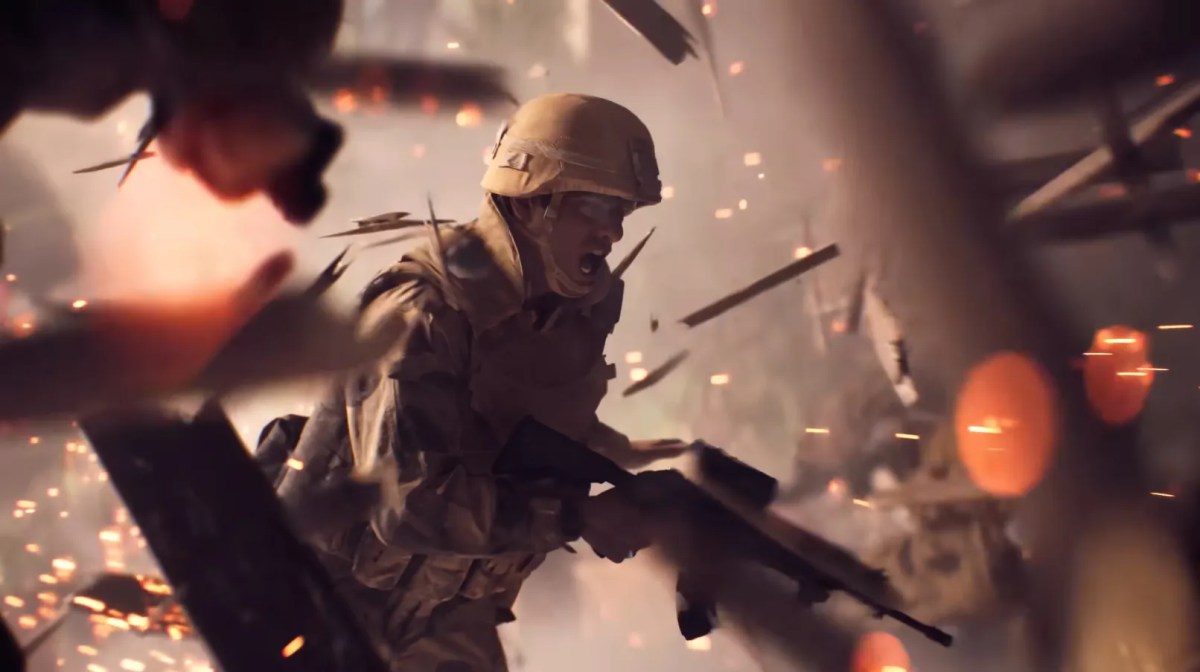
If you want smoother aim, faster reactions, and more wins, you need to lock in the Battlefield 6 best mouse and keyboard settings. Small tweaks can completely change how your game feels. This guide breaks everything down in simple words so you can copy, test, and improve instantly.
Why These Settings Matter
In a fast FPS like Battlefield 6, your aim and movement decide everything. Good settings help you:
- Track enemies better.
- Control recoil easily.
- React faster in fights.
Even pros spend hours adjusting their Battlefield 6 best mouse and keyboard settings because it directly impacts performance.
Best Mouse Settings
The most important part of your setup is sensitivity. Here’s a solid starting point:
- Infantry Mouse Sensitivity: 40-50
- Zoom Aim Sensitivity: 80-90
- Zoom Sensitivity Coefficient: 178 (or lower if you want more control)
- Vertical Mouse Ratio: 100
- Uniform Infantry Aiming: ON
- Mouse Raw Input: ON
These values give you a balance between speed and accuracy.
Pro tip: Turning Mouse Raw Input ON removes input delay and gives more direct control. Thinking of diving in? Here’s the real deal before you hit download! Check out our guide for all the details now!
Advanced Aim Trick
There’s a viral tweak many players use:
- Turn Uniform Infantry Aiming OFF
- Disable Zoom Smoothing
- Turn it back ON and set the coefficient to 0
This makes your ADS aim feel more natural and consistent across weapons. FPS acting like it’s on vacation? Time to fix your game and take control! Our guide has the solution to fix it.
This tweak alone can make your Battlefield 6 best mouse and keyboard settings feel 10x better.
Best Keyboard Keybinds
Good keybinds mean faster reactions.
Movement
- Sprint: Left Shift
- Crouch: Ctrl or C
- Slide: Crouch + Sprint combo
- Jump/Vault: Space
- Combat
- Shoot: Left Click
- Aim: Right Click
- Reload: R
- Interact: E
- Utility
- Map: M
- Scoreboard: Tab
- Push to Talk: Caps Lock
Keep everything close to WASD so you don’t panic mid-fight.
Movement and Gameplay Settings
These settings improve overall gameplay feel:
- Double Tap Sprint: OFF
- Vault Over Sprint: ON
- Crouch Toggle Sprint: Stand
- Parachute Auto Deploy: Insertions Only
- Interact and Reload: Prioritise Reload
These are part of the Battlefield 6 best mouse and keyboard settings because they reduce accidental actions and keep movement smooth. Want your weapon to look as deadly as it feels? This camo is pure flex material! Buy it at MitchCactus immediately.
How to Find Your Perfect Sensitivity
Here’s the truth: no “perfect” setting works for everyone.
- If your aim feels shaky: lower sensitivity
- If you turn too slow, increase it
- Stick with one setting for a few days
Even studies show sensitivity varies a lot between players due to a speed vs precision trade-off.
At the end of the day, the Battlefield 6 best mouse and keyboard settings are about comfort and consistency. Start with these recommended values, tweak slowly, and build muscle memory. Skip the slow start and jump straight into the action. This shortcut might tempt you! Grab the account from MitchCactus now!
Once your settings feel natural, you’ll notice:
- Better aim
- Faster reactions
- More kills
And that’s when Battlefield 6 gets really fun.
Check out some of our most popular Boosting services: