






































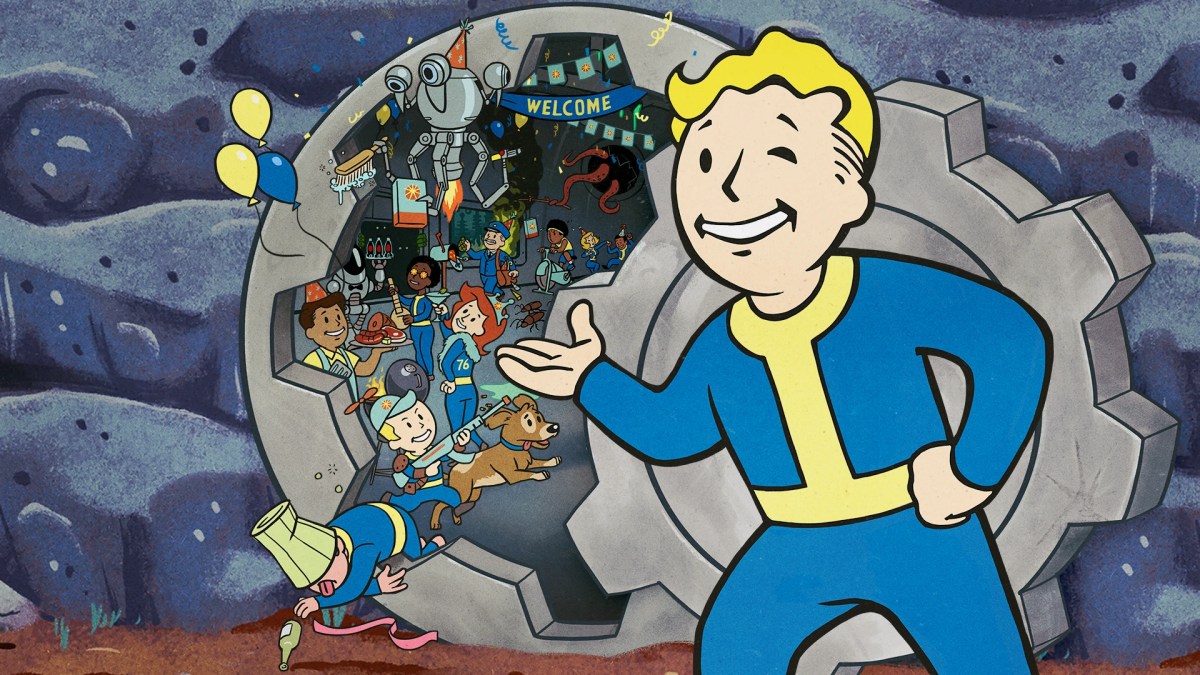
Knowing how to access Fallout 76 PTS isn’t just a PC perk anymore. Bethesda finally opened the gates to console players. This enables PS5 and Xbox Series X|S users to sample upcoming updates alongside PC veterans.
Before jumping into any unreleased content, check Bethesda’s official Inside the Vault announcement to verify active testing windows. If you want to optimize your main character while waiting for server deployments, check out our Fallout 76 Bloodied Commando Build Guide.
What Is the PTS and Why Does It Matter to Players?
A Public Test Server (PTS) is an isolated environment where developers deploy early, unpolished builds of upcoming game updates. Bethesda generally uses it to stress-test server architecture, balance new weapon classes, catch game-breaking bugs, and gather player feedback before releasing content to live servers.
PTS opportunities can also give an exclusive sneak peek at future seasons, questlines, and balance patches ahead of the general public. Hardcore players use this early access to test new perk builds, map out efficient farming routes, and figure out the emerging meta before anyone else.
Quick Comparison: PTS Access Requirements by Platform
Getting into the test build depends entirely on where you play. Here is the fast breakdown:
| Platform | Access Method | Subscription Requirement | Separate Client Download? |
| PlayStation 5 | Bethesda Discord Code Request | PlayStation Plus | Yes (~100 GB) |
| Xbox Series X|S | Xbox Insider Hub App | Xbox Game Pass Core/Ultimate | Yes (~100 GB) |
| PC (Steam) | Direct Steam Library Download | None (Must own base game) | Yes (~100 GB) |
How to Access the Fallout 76 PTS on PS5
Sony doesn’t have a native open-beta program built into the PlayStation Dashboard. Getting access to the Fallout 76 PTS on PS5 relies on a key-distribution system managed directly through Bethesda’s community channels.
Step 1: Join the Bethesda Studios Discord & Verify Account
First, join the official Bethesda Game Studios Discord server. Complete the basic onboarding verification steps to unlock the full text channel list. Make sure your Discord account age-verification settings allow access to public developer channels.
Step 2: Claiming Your PlayStation 5 PTS Code
Visit the #server-roles channel or dedicated regional PTS channels on the Bethesda Discord to initiate the PS5 code claim process. Type /claim in the text bar and select the command from Discord’s interaction menu. Choose your region from the CODE GROUPS dropdown menu to have your redemption code messaged to you.
- Note: The bot requires an exact space after /claim. If you hit enter immediately, the command fails.
Step 3: Redeeming on PS5 Store & Installation
Boot up your PS5 and open the PlayStation Store. Select the three dots (…) in the top right corner and hit Redeem Code. Enter your code, confirm the redemption, and start downloading the distinct Fallout 76 public test server console app.
How to Access the Fallout 76 PTS on Xbox Series X|S
Microsoft handles public testing natively through its Insider network. Setting up Fallout 76 Xbox Insider Hub PTS access requires no external key claims, but you do need the right app installed.
| Step # | Interface / Location | Required Action | Sub-Menu Target / Details |
| 01 | Xbox Dashboard | Launch Application | Open Xbox Insider Hub from My games & apps |
| 02 | Insider Hub Main Menu | Navigate Section | Go to the Previews tab on the left navigation panel |
| 03 | Previews Directory | Locate Title | Select Fallout 76 PTS from the Available list |
| 04 | Registration Page | Confirm Access | Click Join and accept the terms to initiate access |
Important Notes
- Download Requirement: Joining the preview registers your account. You will need to download the separate Fallout 76 Public Test Server client from the Store or your library once enrolled.
- Platform Availability: PTS access is primarily available for Steam and Xbox console players registered in the Insider Program. Progression on the test server does not transfer to the live game.
Step 1: Open the Xbox Insider Hub
Turn on your Xbox Series X|S and search for the Xbox Insider Hub in the store. Download and launch the application. You must own the base game or hold an active Xbox Game Pass subscription on the account you use to log in.
Step 2: Joining the Fallout 76 PTS Preview
Inside the Insider Hub, navigate to the Previews tab on the left panel. Scroll down until you spot Fallout 76 (Public Test Server). Select it, press Join, and accept the terms of service.
Step 3: Installing the PTS Build & Store Fix
Once joined, click Show in Store to trigger the download prompt for the test client.
- Note: Once you register in the Xbox Insider Hub, click Show in Store to immediately navigate to the standalone test build download page.
How to Access the Fallout 76 PTS on PC (Steam)
PC players have the easiest options. Bethesda phased out their legacy launcher years ago, so Steam handles all PC testing duties automatically.
Step 1: Locating the PTS in Your Steam Library
Open Steam and go to your Game Library. You don’t need to sign up or join a group.
Step 2: Download & Launch Protocol
Look for Fallout 76 Public Test Server listed right under or next to your base game entry. Hit the Fallout 76 Steam PTS download button to install the separate client. Once installed, launch it directly from Steam like any other title.
What’s Included in the Console PTS: 60 FPS Target & Current-Gen Features
Console testing is more than just previewing content. It gives players a chance to run early performance patches designed specifically for high-end hardware.
Bethesda uses these tests to hit a stable 60 FPS target across PS5 and Xbox Series X|S. Standard PS5 displays target 1440p resolution, while 4K resolution targeting is reserved for Xbox Series X and PS5 Pro on compatible displays.
Don’t expect perfection. Frames will drop during heavy Nuke events. That’s literally why the server exists.
Five Things You Must Know Before Joining the PTS
Jumping into the Public Test Server isn’t quite the same as logging into your standard live adventure in Appalachia. Before you hit the download button, keep these critical mechanics and operational rules in mind so you don’t lose progress or waste your playtime.
- Character Snapshots: Bethesda periodically copies your live character profile over to the test server. Your main character’s level, gear, and perks will be present, but anything earned on the PTS stays on the PTS.
- Progress Non-Persistence: Nothing transfers back. Experience gained, God-roll weapons looted, and quest achievements unlocked will vanish when the test window closes.
- The Vault 76 PTS Locker: Do not waste time grinding for gear. Step right outside Vault 76’s main door to find a massive yellow trunk filled with free ammo, legendary crafting items, and test weapons.
- Disabled Features: Atomic Shop purchases and Seasonal Scoreboard progression are completely disabled in the test build.
- Language Restriction: Test environments are unlocalized. Text and audio default strictly to English regardless of your system settings.
When you transition back to the main servers, building up your economy and gear can feel like a heavy grind.
If you prefer to bypass vendor limits and fast-track your main inventory, you can secure Fallout 76 Caps to trade for rare plans immediately. Players looking for instant heavy-weapons power can also get Fallout 76 Gatling Plasma weapons directly.
Final Thoughts
The Public Test Server offers the best look at upcoming Appalachia updates while letting console players finally share performance feedback directly with developers. Just remember that test progress stays locked to the preview client.
If you want to jumpstart your progression on the main live servers without grinding for weeks, check out our selection of Fallout 76 Boosting Services to gear up your main character instantly.
Check out some of our most popular Boosting services:

Frequently Asked Questions (FAQ)
Can I play the Fallout 76 PTS on older-generation consoles like PS4 or Xbox One?
No, the console test server is strictly limited to current-generation PlayStation 5 and Xbox Series X|S hardware. Older consoles lack the system memory required to run unoptimized test builds.
Does downloading the PTS client replace my main Fallout 76 game installation?
No, the test server operates as an entirely independent 100GB+ application. It sits alongside your base game without overwriting your original installation files or save data.
What happens to Atom purchases or Atomic Shop unlocks made while playing on the PTS?
The Atomic Shop is disabled in the test environment, meaning you cannot spend live currency. Any test unlocks provided by Bethesda exist strictly within the preview window and won’t carry over to your main account profile.
Why am I getting an “Account Authorization Failed” error when logging into the PTS?
This error occurs when Bethesda takes the test servers offline for maintenance, updates, or database wipes. Check official Discord status channels to confirm the servers are online before troubleshooting your account credentials.