

































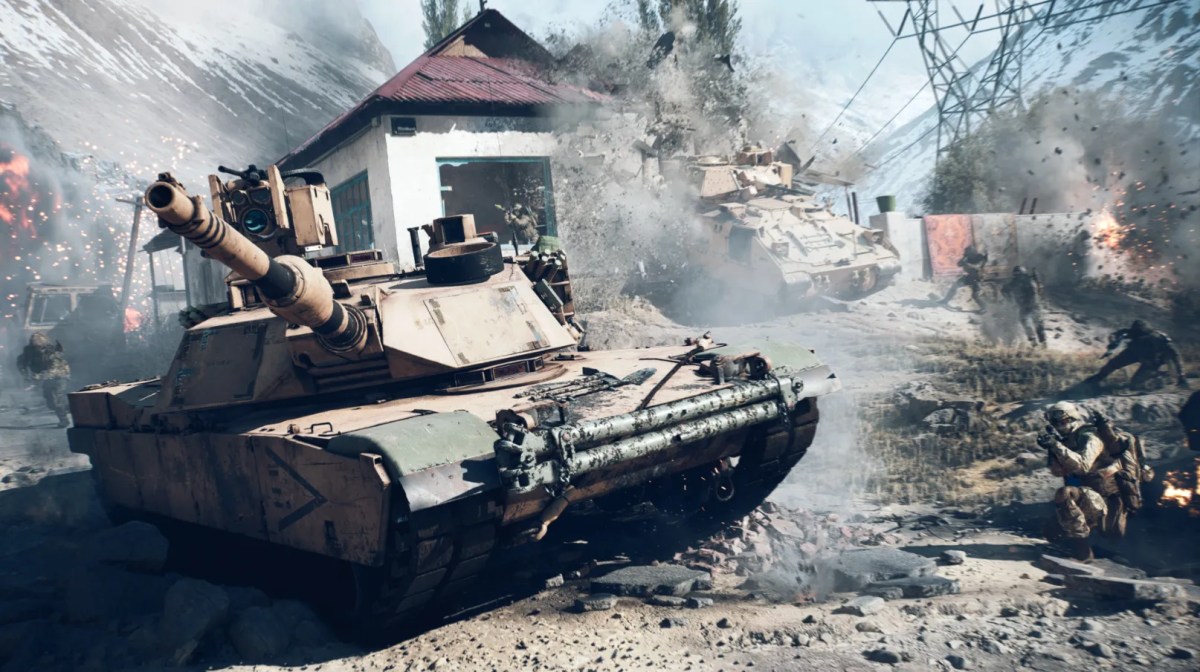
After you pre-order Battlefield 6 on Steam, you can proceed with the preloading process. By preloading, you can download the game before its major release so you can play the game once the servers go live. You will save yourself from a lot of hassle on the day of release because you won’t need to download anything.
Here is an easy guide to help you understand how to preload Battlefield 6 on Steam.
Before preloading Battlefield 6
- Own a digital version: To preload Battlefield 6 via Steam, you must have bought a digital version of the game. Without this, preloading becomes impossible.
- Have enough space: You need to have free storage space before starting the download. Battlefield 6 takes up approximately 67 GB of space. However, this varies depending on updates and other content.
- Latest version of Steam: The latest version of Steam ensures smooth downloading and installation. Steam normally updates by itself.
Preloading Battlefield 6 on Steam
- Open Steam: Open the Steam application and log into the account used to purchase the game.
- Navigate to Your Library: Access the Library tab displayed at the top of your screen.
- Locate Battlefield 6: Search for the game on your library list. If the preload window is officially open, the standard “Pre-ordered” text will be replaced by a blue Preload button.
- Start the Download: Click Preload and select your installation drive. Steam will download the encrypted game files to your storage.
- Ready for Launch: On release day, Steam will automatically decrypt the preloaded files and download any necessary day-one updates. Once finished, the button will turn green and say Play.
Why You Should Preload the Game
Preloading saves your time on the big day of launch, and Steam just needs to unlock all the already downloaded files.
Getting in early also means you can start grinding your loadouts right away. If you want to skip the stock-weapon struggle entirely, you can pair your early start with Battlefield 6 services to max out your gun levels and unlock meta attachments instantly.
Battlefield 6 Preload Troubleshooting
If your system does not have pre-load available, check the following things:
- Verify Purchase: Review your transaction records in Steam to confirm that the payment was completed.
- Check Official Timing: Generally, pre-loading starts 48-72 hours before a major release window. Read our guide explaining how You Can Now Preload Battlefield 6 On PC, PlayStation, & Xbox to see where the live version of the game currently stands.
- Restart Steam: Close Steam from the system tray and relaunch it to force the client to refresh its database.
- Storage Limitations: If your storage space is full, Steam may deny starting a new download process. Just make some extra space for good measure.
Preloading Battlefield 6 on Steam puts you at a massive advantage, giving you more time to play and enjoy the game rather than waiting for a long download.
FAQs
1. Can I play the game while it’s preloading?
No. The files stay locked and encrypted until the official launch time, even if the download finishes early.
2. Does preloading cost extra?
No, pre-loading is free for all those who have either pre-ordered or bought the game in its digital form.
3. Can a firewall cause this error?
Yes, if it’s blocking Battlefield 6 or the EA App.
Check out some of our most popular Boosting services: