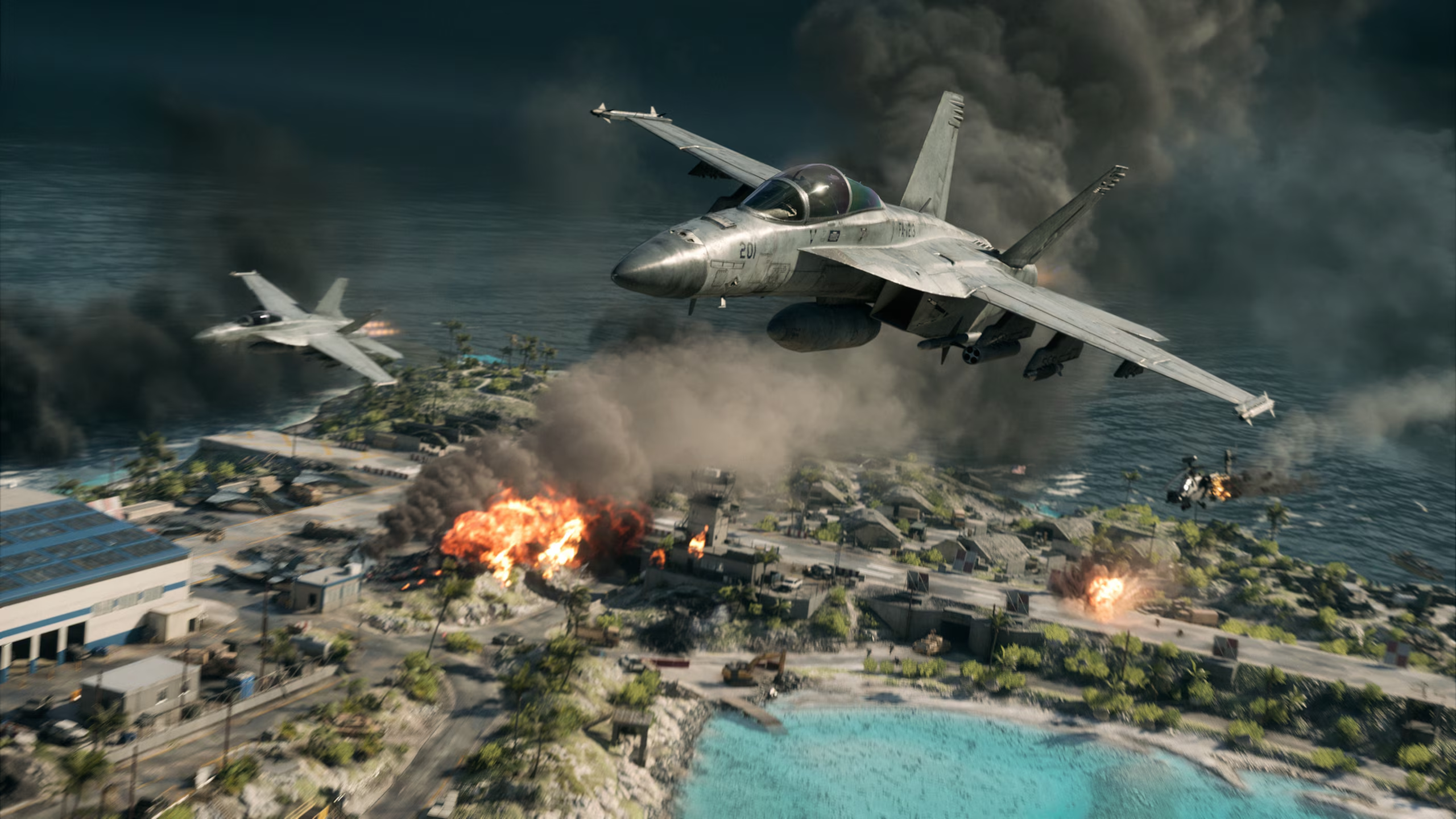







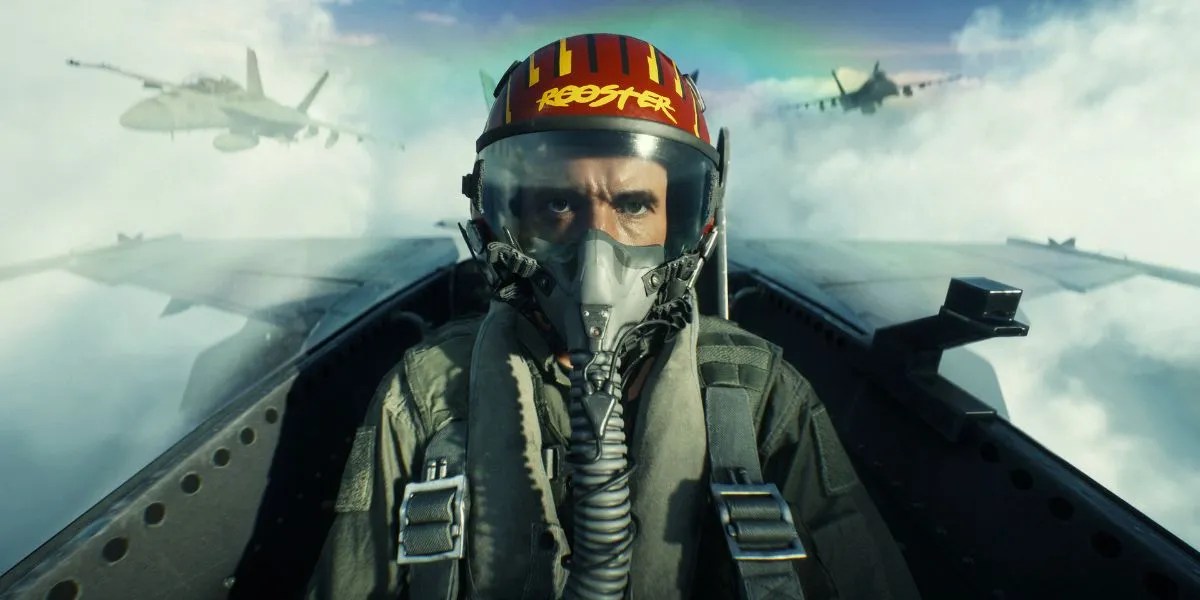
The upcoming Top Gun crossover will rewrite the aerial meta, and your current control scheme may not be enough. This Battlefield 6 Top Gun jet controls guide is designed to fix that before launch day.
As highlighted in the recent EA Community updates, raw manual control dictates who rules the skies in high-G combat. Before booking a premium Battlefield 6 Boosting service to fix your early win rate, adjust your layout now. Disabling the Battlefield 6 Airplane Control Assist before launch is non-negotiable if you want to stay alive.
In this article, we’ll show you how.
Entering the Danger Zone: The Battlefield 6 Flight Meta Shift
With advanced aerodynamics and tighter turn radius restrictions coming to the meta, old arcade habits will be a death sentence. One wrong turn and you’re back to the deploy screen.
The Reality of the Top Gun Update: A Brutal Skill Floor
The upcoming jets are expected to handle with realistic weight and extreme turn inertia that will shock veteran players. Trying to pull a vertical loop without managing your energy will stall out instantly.
Modern anti-air gadgets also lock on faster than ever. That means your reaction time matters less than your core control layout. You will need a setup that allows split-second micro-adjustments.
- Pro-Tip: Do not panic-slam your afterburner when you stall out in a vertical climb. Level your nose out horizontally and kill the throttle for a split second to let gravity help your jet regain clean airflow and engine compression.
Why Default Controls Lead to Early Ejections
Default keybindings are built for accessibility, not competitive performance. They force your mouse or controller to handle far too many inputs. That causes accidental roll when you mean to pitch up.
When you are deep in a dogfight, a single accidental wing-dip will completely ruin your turning circle and give your opponent an easy kill.
- Pro-Tip: Set your standard mouse vertical sensitivity 15% lower than your horizontal sensitivity. This keeps your crosshairs perfectly steady along the horizon. Even during low-altitude strafing runs that often cause accidental nose dips.
Optimal BF6 Top Gun Pilot Settings (M&K & Controller)
The First Step: Killing Battlefield 6 Airplane Control Assist
This is the single most important fix to keep your nose from bouncing around when you try to line up a shot:
This constant correction actively fights your manual inputs during tight turns. It widens your turn radius and leaves you completely exposed during a high-stakes dogfight.
- Go to Options > Controls > Advanced.
- Scroll down to the vehicle settings and find Airplane Control Assist.
- Toggle this to OFF. Now, your plane will stay at the exact angle you put it in instead of trying to auto-level.
Controller Presets & Sensitivity Curves (Console Optimization)
For controller players, separate your throttle from your main steering sticks. Move throttle up and down to your bumpers or triggers. That is so your thumbs can focus purely on pitch, roll, and yaw.
Set your jet stick sensitivity to at least 70% to guarantee responsive turns. You may also want to switch your control preset to ‘Alternate’ so your yaw sits on the left stick.
Doing this prevents any accidental rolling when you are trying to micro-aim at a target.
- Go to Options > Controls > Controller Schemes.
- Change your Buttons Preset to Alternate. This moves your throttle (speed up/down) to your bumpers or triggers.
- Change your Stick Preset to Legacy or Default depending on your preference. Ensure the Yaw sits on the left stick, and Pitch/Roll sits on the right. This isolates your aiming thumb from your speed control.
Mouse & Keyboard Binding Rules (PC Optimization)
PC pilots will need to fix their mouse-dragging problem. That happens because pulling a tight loop in a jet requires a constant, non-stop upward pull.
If you only use your mouse to fly, you have to repeatedly lift it, drag it across the pad, lift it again, and drag it back down to keep turning. This leaves you completely defenseless mid-loop when you run out of desk space.
- Pro-Tip: Go to your keybindings and set Pitch Up (Nose Up) to your Spacebar. Now, you can hold down Spacebar to pull a perfect, continuous circle effortlessly without moving your hand.
You can also use this streamlined reference table to map your inputs for competitive performance instantly. This works whether you play on a standard controller or a precision keyboard layout.
| Control Action | Competitive Controller Layout | Optimal Mouse & Keyboard Setup |
| Throttle Up | Right Bumper (RB / R1) | W Key |
| Throttle Down | Left Bumper (LB / L1) | S Key |
| Pitch Up (Nose Up) | Right Stick (Down) | Spacebar / Mouse Down |
| Pitch Down (Nose Down) | Right Stick (Up) | Mouse Up |
| Roll Left / Right | Right Stick (Left / Right) | A / D Keys |
| Yaw Left / Right | Left Stick (Left / Right) | Mouse Left / Mouse Right |
Once the controls are locked in, you can grind your weaponry manually or secure a fast Weapon Level Boost to maximize your damage output.
Aircraft-Specific Loadouts: F/A-81F Super Spectre vs. F-74A Seacat
The F-74A Seacat loadout is your premier carrier-based dominance machine. Engineered specifically for maritime air superiority, this two-seat fighter allows a pilot and co-pilot to coordinate radar tracking. It’s also capable of heavy air-to-air missile barrages while utilizing extreme vertical acceleration.
- The Strategy: Equip Active Radar Missiles alongside the 30mm heavy cannon to shred enemy flyers. Run IR Flares to break initial lock-ons from naval ships below.
- Pre-Launch Tip: Due to SeaCat’s extreme turn inertia, you must map your Spacebar pitch-up bind today. Trying to hand-drag your mouse to turn this jet will stall it out instantly.
Existing Hangar Favorites: The Current Meta Still Holds
Never neglect the current base-game jets. They can act as your mechanical bridge to the new Top Gun vehicles. The standard Stealth Jets and Attack Jets still hold immense value for traditional map control.
- The Strategy: Use the current Attack Jet’s rocket pods to practice your dive angles. Learn to dive straight down, dump your missiles, and pull up cleanly before the new planes land. Ground attacks always end with you crashing? Your settings are the problem.
- Pre-Launch Tip: Fighter Jets rely on high-altitude positioning and speed maintenance to surprise enemy aircraft. Once you clear the airspace, maintain high-altitude orbits to screen the skies for incoming enemy air spawns.
Interested in showing off your air supremacy? Slap on a striking look like the Battlefield 6 Sea Demon Helicopter Skin on your support vehicles to maintain psychological dominance over the lobby.
Jet Fleet Comparison
| Aircraft Status | Role Type | Best Weapon Loadout | Key Tactical Playstyle |
| F/A-81F Super Spectre (New) | Co-op Multi-Seat | 20mm Nose Cannon + ECM Jammer Suite | Split tasks: Pilot flies the circle. Co-Pilot manages radar and jammers. |
| F-74A Seacat (New) | Solo Air Superiority | 30mm Cannon + Active Radar Missiles | High-speed vertical scissor loops; pure anti-air hunting. |
| Stealth Jets (F-97 Kestrel and the Su-57) | Air Superiority | 20mm Cannon + Air-to-Air Missiles | Controlling high-altitude airspace and destroying enemy aircraft before they can threaten ground assets. |
| Attack Jets (F-61V and the F-39E) | Heavy Armor Buster | 30mm Avenger Gatling + Rocket Pods | Steep, vertical dive-bomb runs on enemy armor and naval ships. |
Advanced BF6 Dogfighting Tips & Aerial Combat Maneuvers
Once your settings are locked down, you’re ready to move past basic flight patterns. Mastering these Battlefield 6 aerial combat maneuvers is what will keep you alive when matched with other aces.
Energy Management: The Perfect 313-Knot Turning Circle
Don’t just slam the afterburner full time. Continuous afterburner use widens your turning radius. This makes you an easy target for anyone sitting on your tail.
The secret to winning dogfights lies in maintaining the optimal turning speed of roughly 313 knots. Tap your brake controls when climbing into a vertical loop, then engage the afterburner during the descent to maintain steady momentum.
Watch your speedometer constantly. It takes practice.
Breaking Continuous Loops: Vertical Scissor Overshoots
If an enemy pilot manages to get directly behind you, do not enter a flat, horizontal circle. They will eventually track your path and shoot you down. Instead, execute a vertical scissor maneuver to force them into an overshoot.
Here is how you do it step-by-step:
- Reduce your throttle sharply to drop your speed below the optimal threshold.
- Pitch your nose up violently into a 45-degree vertical climb.
- Roll your aircraft 180 degrees at the peak of the climb to invert your flight path.
- Cut your engine power completely for one second to let the enemy overshoot your position.
- Slam the throttle back on, roll upright, and take your shot.
Pitch, Roll, and Horizontal Horizon Breaks
Always look for ways to break the enemy pilot’s line of sight. You can do so by dipping below the sea level horizon line or weaving between island rock formations.
Combining a hard pitch up with a sudden 90-degree roll lets you execute a sharp knife-edge turn. A maneuver that bleeds your signature from enemy radar tracking systems. Coordinate these sudden drops with your team’s naval assets for maximum cover.
Read through our comprehensive Battlefield 6 Naval Warfare Guide alongside our specific Naval Vehicle Mastery guide to understand exactly how naval defense systems can help you during low-altitude dogfights over the water.
Final Thoughts
Don’t let yourself become easy scoreboard filler for the lobby’s top pilots. Take control of your jet today: kill your flight assists, bind your pitch keys to your spacebar or bumpers, understand your plane, and master those turning speeds.
If you want to maximize your survivability the moment you hit the dirt, read through our detailed Battlefield 6 Class Guide to optimize your infantry setup.
Check out some of our most popular Boosting services:


Frequently Asked Questions (FAQ)
Do I need a dedicated co-pilot to unlock the F/A-81F Super Spectre?
No, it is unlocked automatically for all players in the expansion. However, flying it solo locks you out of the co-pilot’s 20mm Gatling cannon and ECM suite, leaving you highly vulnerable.
How do these new jets affect Carrier Strike mode?
Both jets feature specialized naval tailhooks for short carrier takeoffs and landings. You can touch down directly on your flagship’s deck mid-match to instantly re-arm and repair without waiting for a slow runway cooldown.
Can the co-pilot use the pilot’s uncoupled camera settings?
No, camera layouts are independent. If you switch to an uncoupled camera to keep your view level with the horizon, your back-seater must manually toggle the same setting in their own menu to get the same effect.
Do Pax Armata and NATO share the same loadout options for the new jets?
Yes. Aside from faction-specific cosmetic liveries and HUD voice lines, the weapon unlocks, countermeasures, and flight metrics are identical for both sides to maintain competitive balance.